- Home
- Products
- About Us
- OEM&ODM
- News
- Contact Us
 USB C Docking & Hub
 USB C Docking Station
 USB C Hub-H Series
 USB C Hub-H Series High End
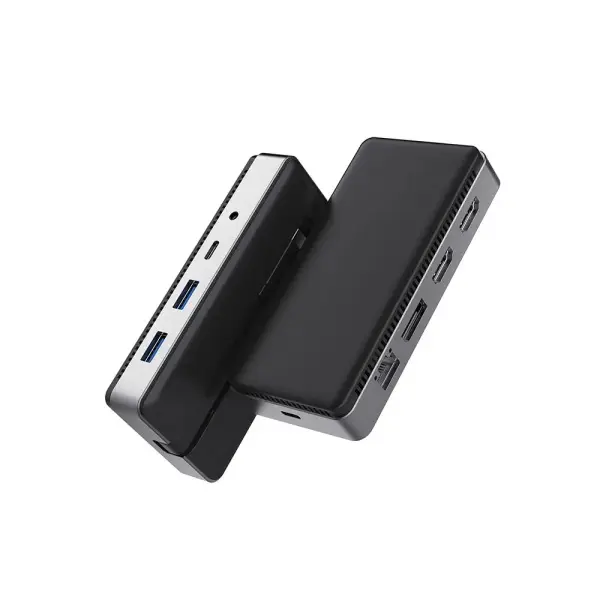 USB C Hub-X Series High End
 HDMI Cable
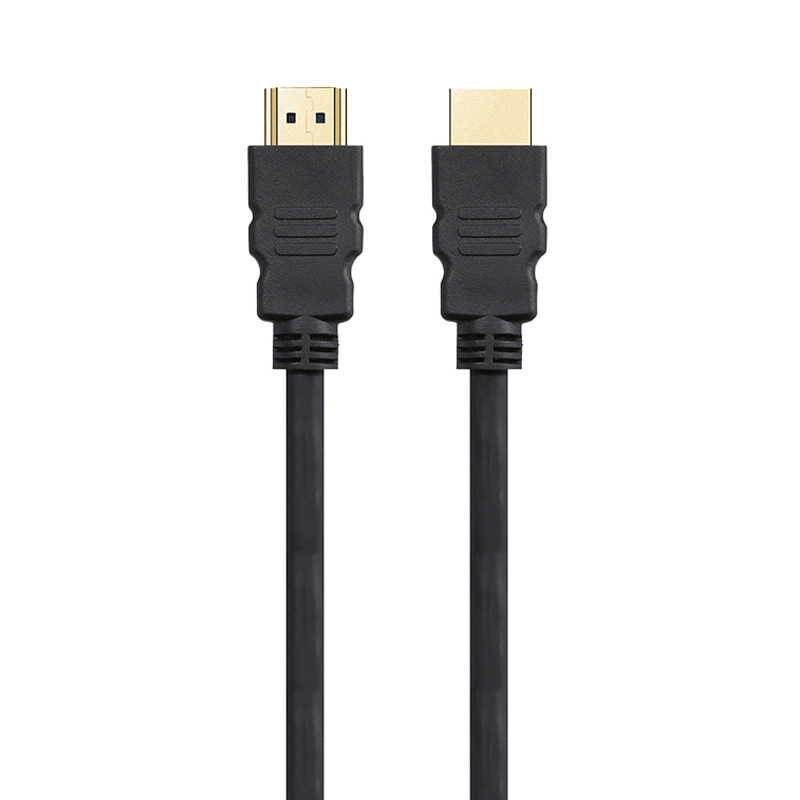 4K HDMI Cable
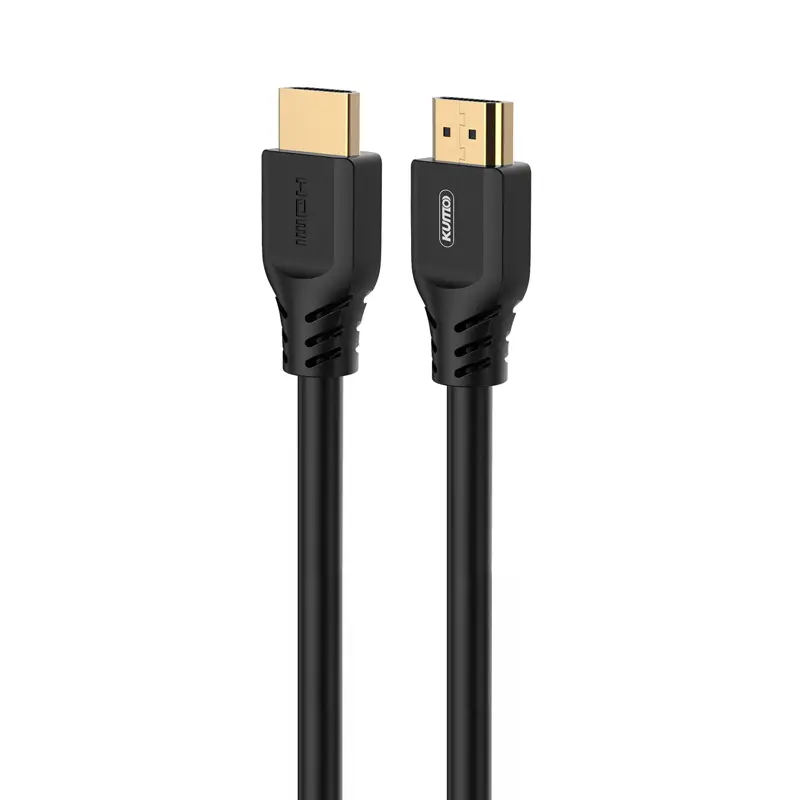 8K HDMI Cable
 16K HDMI Cable
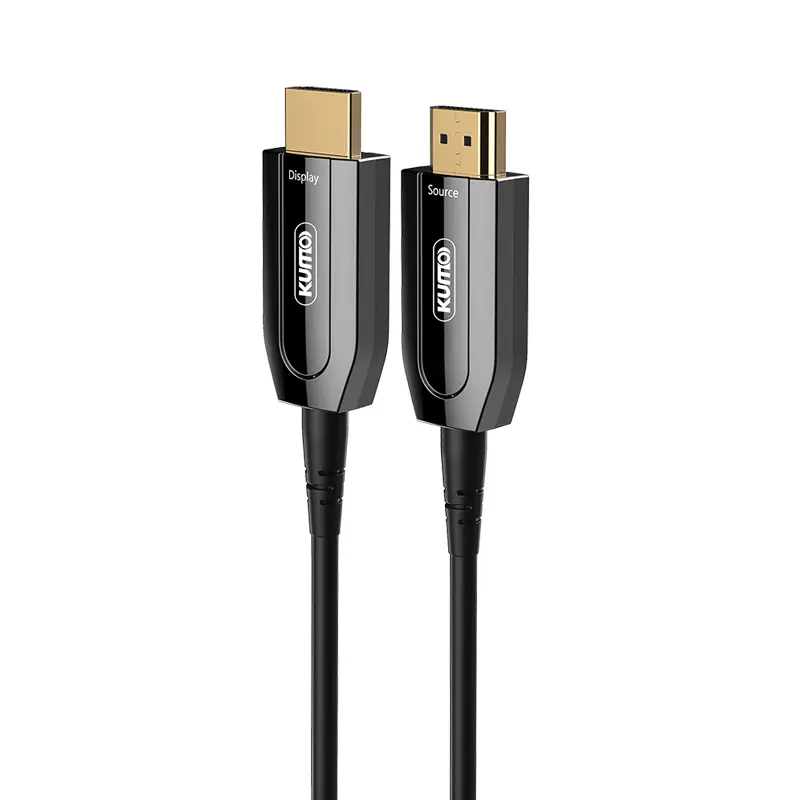 AOC HDMI Cable
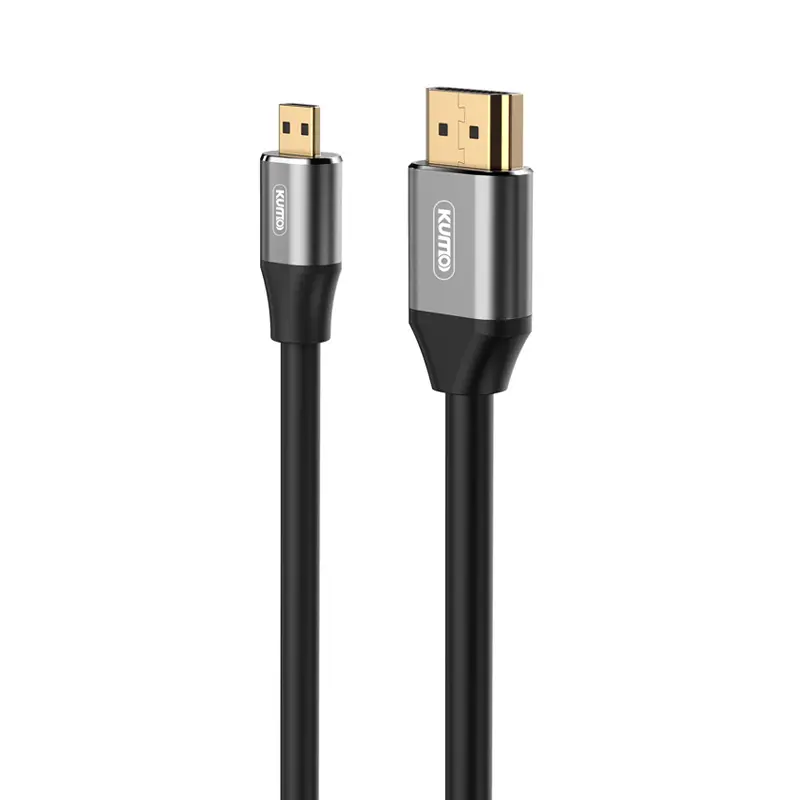 HDMI Conversion Cable
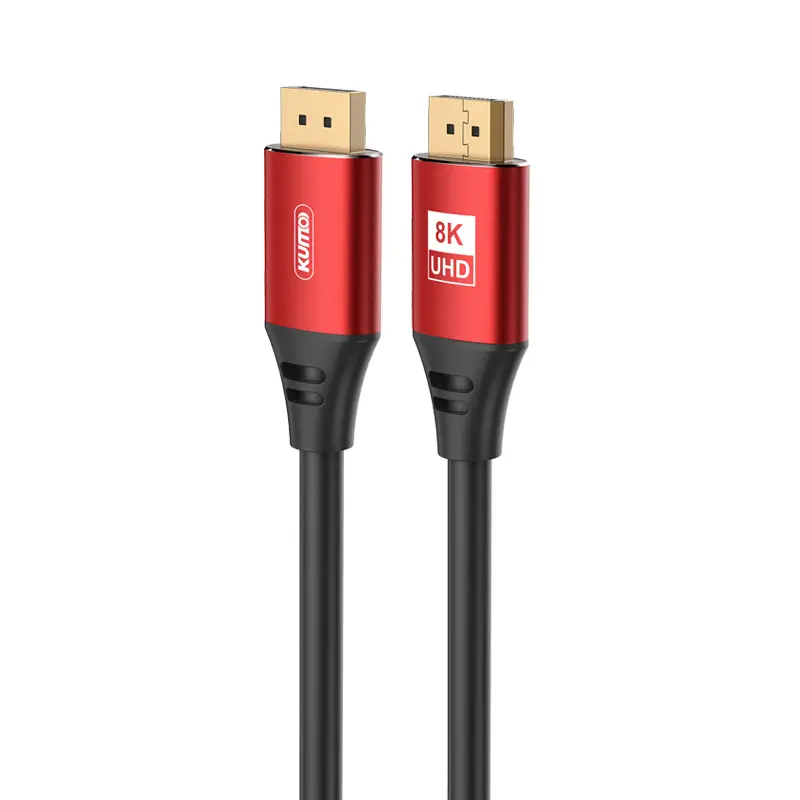 8K DisplayPort Cable
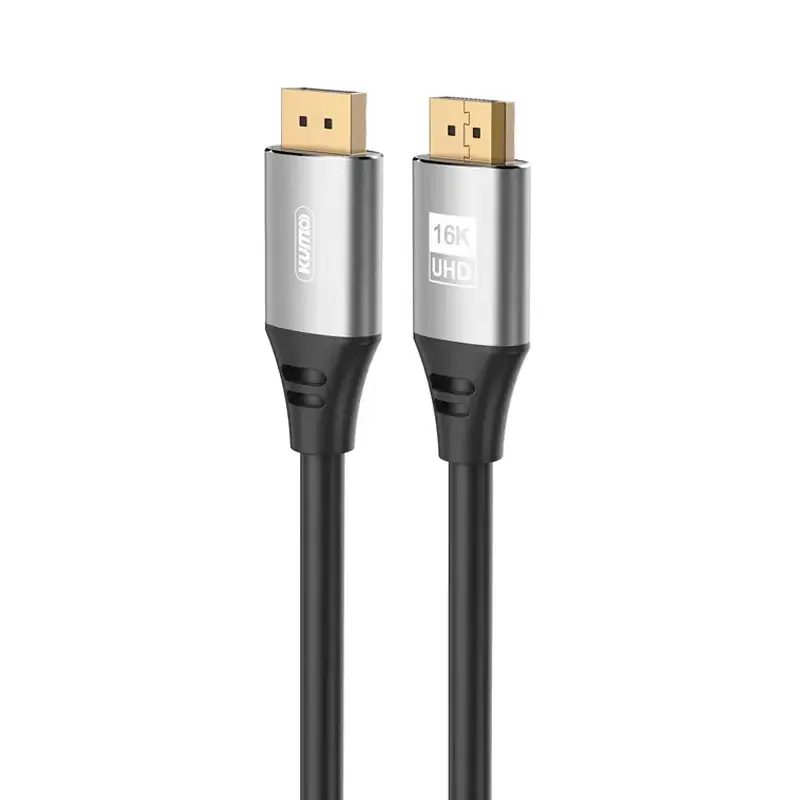 16K DisplayPort Cable
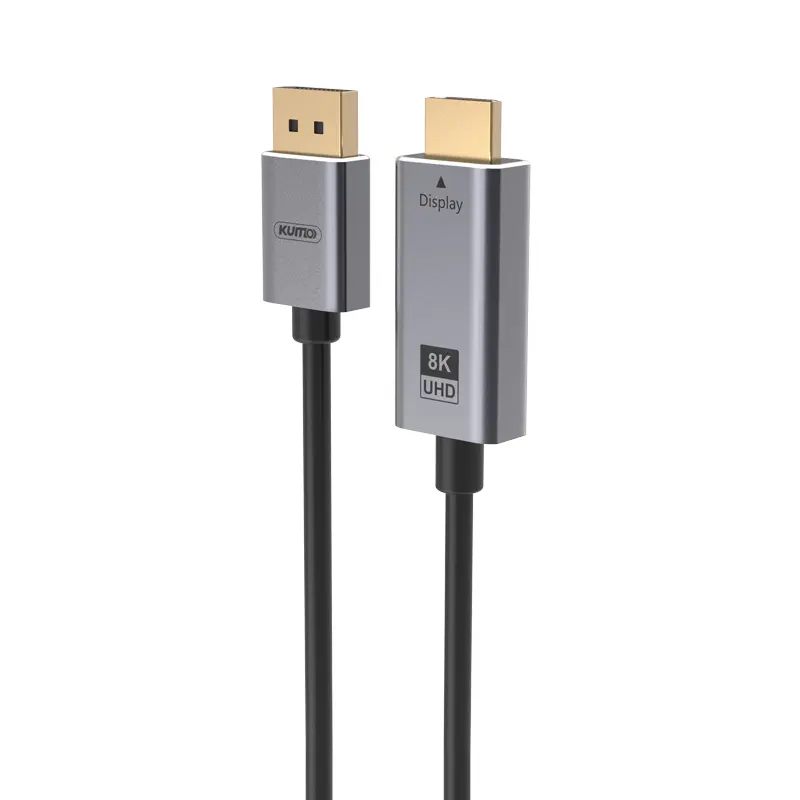 DisplayPort Conversion Cable
 XLR Cable
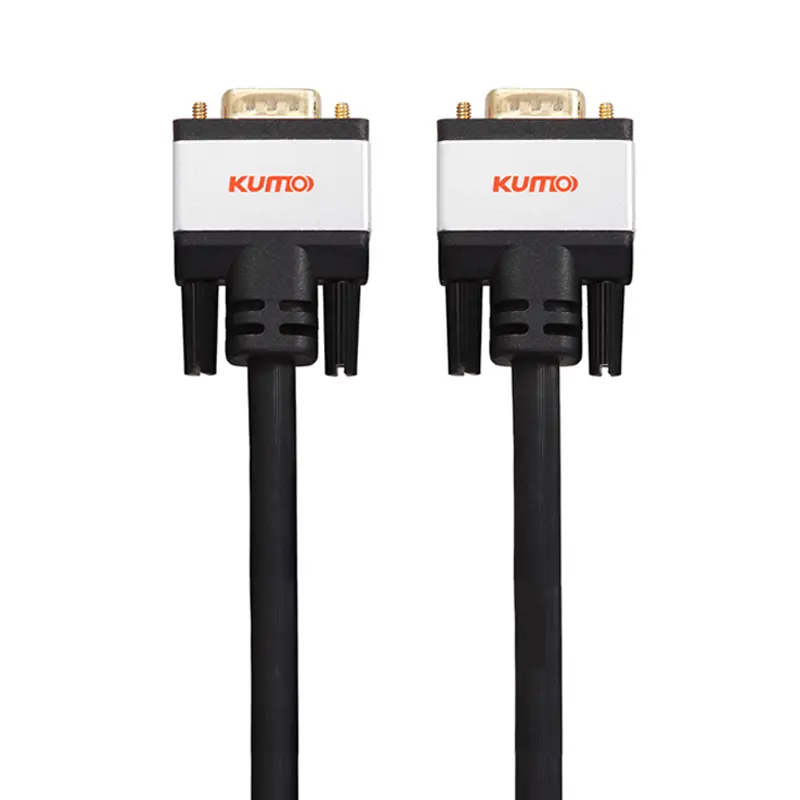 VGA Cable
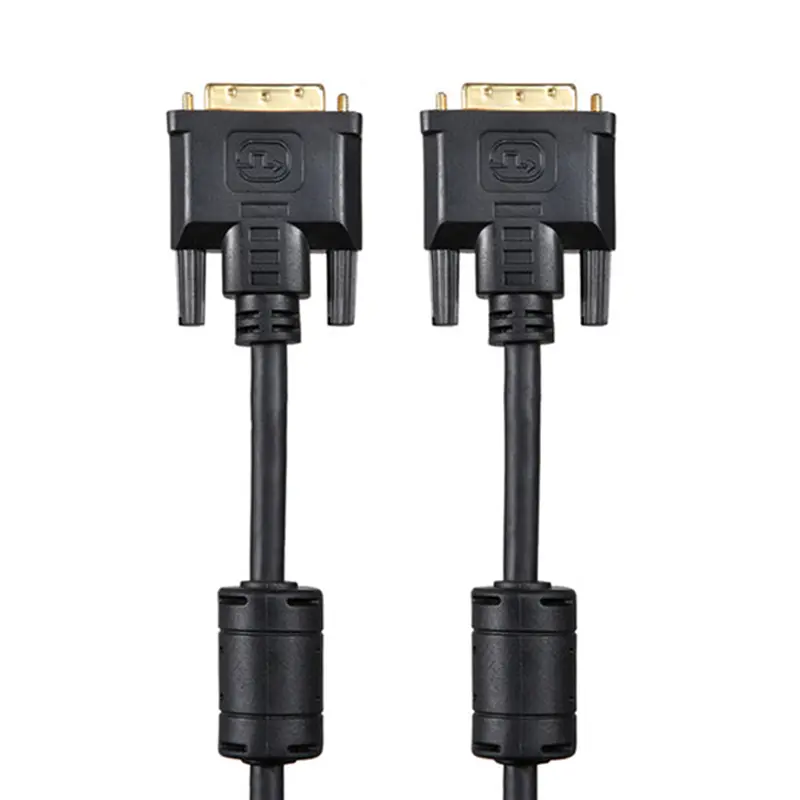 DVI Cable
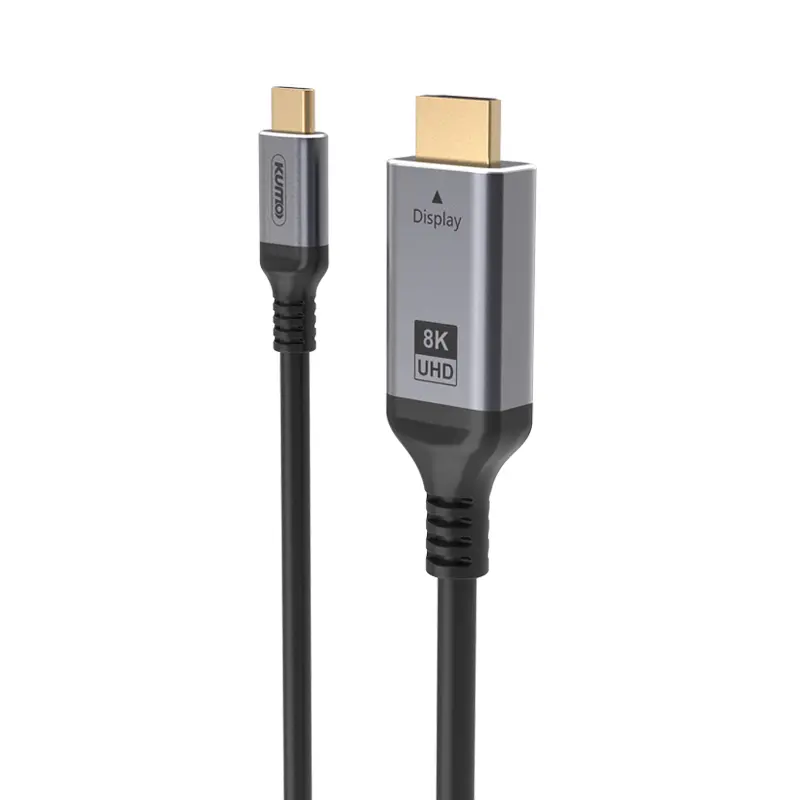 Type C To HDMI
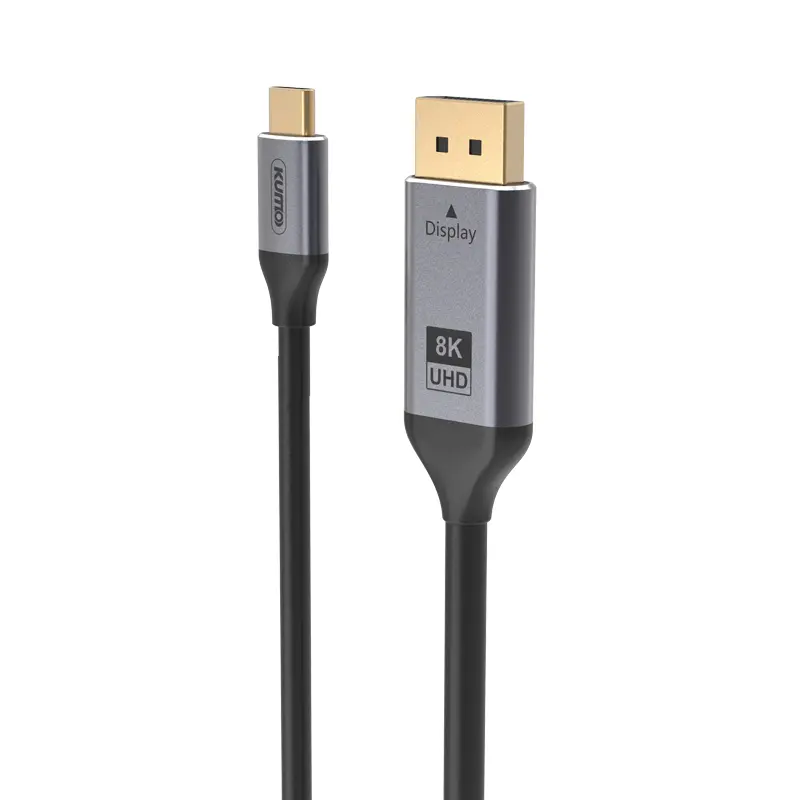 Type C to DP
 Type C to DVI
 Type C Adapter
 USB A to C Cable
 USB C to C Cable
 Micro USB Cable
 USB4 Cable
Inquiry
Form loading...
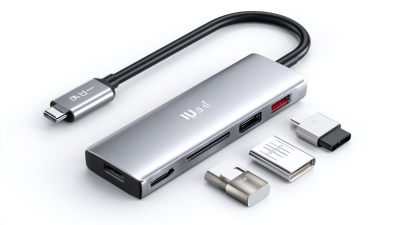
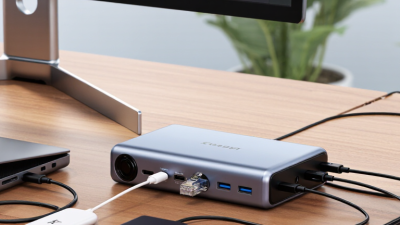
A Usb C Multiport Hub turns one compact USB-C port into a practical connection center. It may provide USB-A ports, HDMI, Ethernet, SD card slots, audio, and USB-C power delivery. For a laptop user, this means one short cable can connect a monitor, keyboard, camera card, and charger.
Jeff Ravencraft, USB-IF president and chief operating officer, described USB Type-C as “the connector for the future.” That statement reflects its reversible design and broad support for data, video, and power. However, a connector’s shape does not guarantee every feature. A hub can look identical to another model while offering different bandwidth, display limits, or charging performance.
Inside, the hub uses a controller to manage signals from multiple ports. USB data travels through shared bandwidth. HDMI output may rely on DisplayPort Alternate Mode from the host computer. Power delivery requires negotiation between the charger, hub, and device. Small details matter. A 4K monitor, external drive, and memory card can compete for available capacity.
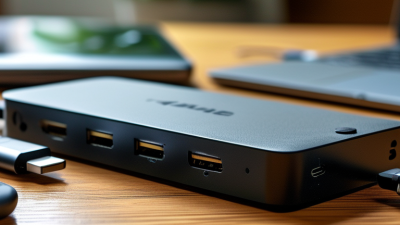
Hands-on testing reveals the difference. Copying large files may slow when several ports operate together. Some hubs become warm beneath a laptop. Others disconnect when power demands rise. These are not always defects, but they deserve attention. Buyers should check USB standards, supported display resolutions, power limits, operating-system compatibility, and cable quality before choosing a Usb C Multiport Hub. The technology is convenient, yet its promises need careful reading.
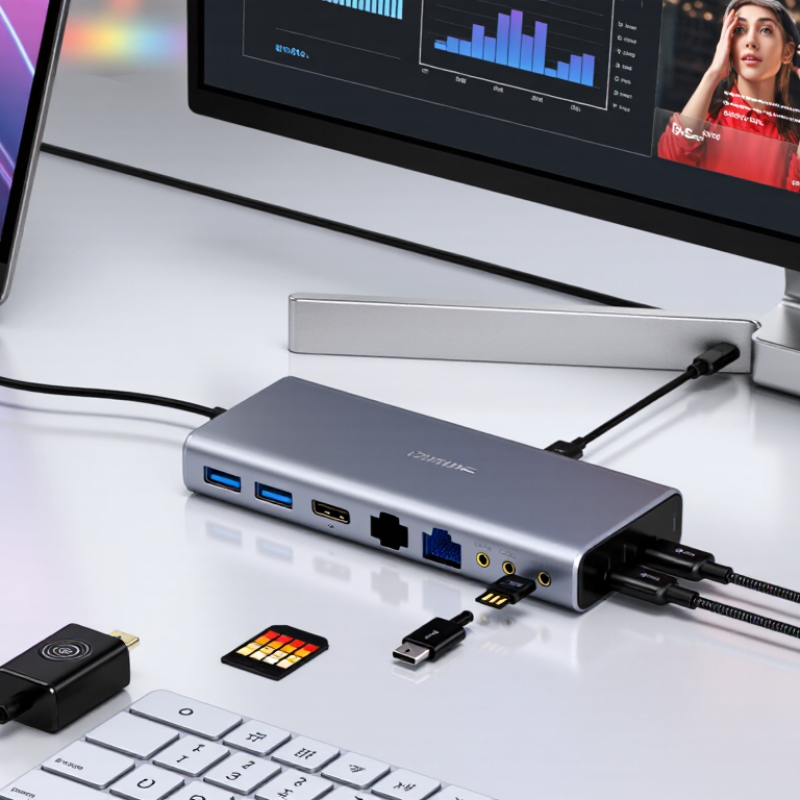
A USB-C multiport hub is a compact adapter that expands one USB-C connection into several useful ports. It can provide USB-A sockets, video output, memory-card access, wired networking, and charging support. One small enclosure. Its main purpose is simple: connect more devices without replacing a laptop or tablet. The hub receives data, power, or display signals through USB-C, then distributes them through its available ports. The exact port combination varies, so the label alone does not guarantee identical performance.
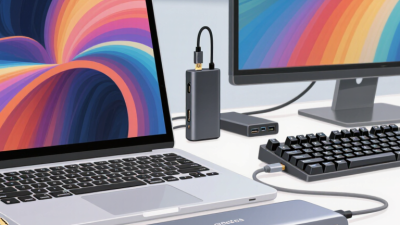
For example, a worker might connect a keyboard, external drive, monitor, and charging cable through one hub. A photographer could transfer files from a memory card beside a larger display. Power delivery may charge the computer, but the hub itself uses part of that power. Shared bandwidth can also reduce transfer speeds when several devices operate together. Video output depends on the host device, cable, and supported display standard.
In everyday desk setups, reliable results begin with checking specifications carefully. A USB-C port may support charging only, while another supports data and video. That difference is easy to miss. An advertised high-resolution output may also require a compatible computer and cable. It is tempting to call a hub a universal solution, but that description is too generous. Heat, loose connections, and limited bandwidth can affect performance. I would check port standards, power limits, and operating-system compatibility before purchase, even when the hub looks convenient.
| Data Dimension | Description | Typical Information | Practical Consideration |
|---|---|---|---|
| Definition | A compact adapter that expands one USB-C port into several connection interfaces. | May combine USB, video, networking, audio, memory-card, and charging connections. | The available functions depend on the hub design and the capabilities of the host USB-C port. |
| Main Purpose | To connect multiple peripherals to a computer, tablet, or other compatible host through a single USB-C connection. | Useful for displays, keyboards, mice, storage devices, wired networks, and chargers. | It reduces the need to plug and unplug several individual adapters. |
| Host Connection | The hub connects to the host device through a USB-C plug or a short attached USB-C cable. | The connection may support USB data, video output, power input, or a combination of these functions. | A USB-C connector alone does not guarantee support for every hub feature. |
| USB Data Ports | Provide connections for peripherals such as flash drives, keyboards, mice, and external storage. | Common port types include USB-A and USB-C; supported speeds vary by implementation. | Actual transfer speed is limited by the slowest device, cable, port, or shared hub connection. |
| Video Output | Allows a compatible host to send video to an external monitor, projector, or television. | Common interfaces include HDMI, DisplayPort, or USB-C video output. | Resolution, refresh rate, and the number of supported displays depend on the host, hub, cable, and display. |
| Power Delivery | A power-input port can pass power from a USB-C charger through the hub to the host device. | Power capability is measured in watts and varies by the hub and charger. | Some power is used by the hub itself, so the host may receive less than the charger's rated output. |
| Network Connectivity | Some hubs provide a wired Ethernet connection for network access. | Common Ethernet link rates include 100 Mbps, 1 Gbps, and higher depending on the hardware. | Network performance also depends on the network equipment, cable, and internet service. |
| Memory-Card Access | Built-in card slots enable data transfer from removable memory cards. | Supported formats may include SD, microSD, or other card standards. | Read and write speeds vary according to the card, reader, file type, and hub controller. |
| Audio Connectivity | Certain hubs include a 3.5 mm audio port for headphones, speakers, or microphones. | The port may support analog audio input, output, or headset functions. | Audio support depends on the hub's internal audio controller and the host operating system. |
| Internal Operation | The hub uses electronic controllers to manage data, video, power, and peripheral communication. | It identifies connected devices and routes signals between the host and the available ports. | Multiple active ports may share the host connection's bandwidth and power budget. |
| Plug-and-Play Behavior | Many hubs work after being connected without installing separate drivers for standard USB functions. | Operating-system support may be required for advanced functions such as video or networking. | Compatibility should be checked before use, especially with tablets, phones, and specialized operating systems. |
| Bandwidth Sharing | Connected devices may share the data capacity of the single host link. | Large file transfers, external displays, and network traffic can compete for available bandwidth. | Using several high-bandwidth ports at the same time may reduce individual device performance. |
| Power Requirements | A hub can draw power from the host or from an external USB-C power adapter. | Bus-powered hubs are portable; externally powered hubs are better suited to multiple or power-hungry peripherals. | Insufficient power can cause connected devices to disconnect or operate unreliably. |
| Portability | The compact design is intended to add connectivity without requiring a full-size docking station. | Many models are lightweight and suitable for travel, mobile work, classrooms, or temporary workstations. | Smaller hubs may provide fewer ports, less power capacity, or limited cooling compared with larger docks. |
| Key Compatibility Check | Compatibility depends on the host port, operating system, connected accessories, cables, and required functions. | Important specifications include data speed, video protocol, power support, operating-system compatibility, and port layout. | Confirm the complete specification rather than relying only on the USB-C connector shape. |