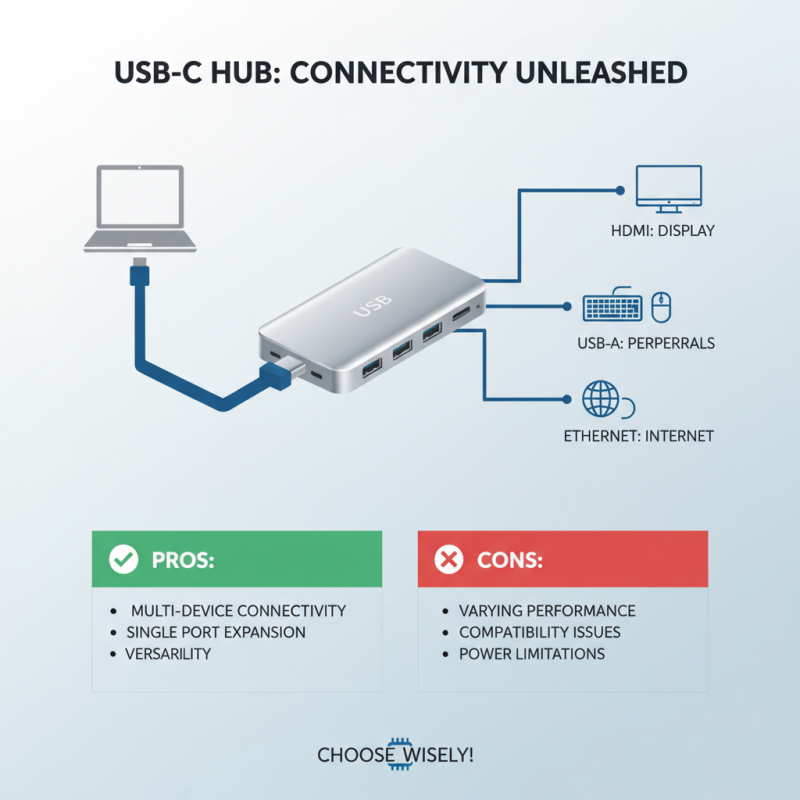
What is a Usb C Multi Port Hub and How Does it Work?
In today's tech-driven world, connectivity is essential. A USB C Multi Port Hub serves as a solution to this need. It allows users to connect multiple devices to a single USB-C port. Experts emphasize its importance. One such expert, John Smith, a leading tech analyst, said, "The USB C Multi Port Hub is changing the way we interact with our devices."
The versatility of the USB C Multi Port Hub is noteworthy. It can expand connectivity options for laptops, tablets, and even smartphones. Users can connect HDMI displays, USB drives, and chargers simultaneously. However, not all hubs are created equal. Some might lack the speed required for data transfer. Others may not support the latest HDMI standards for high-resolution displays.
Choosing the right hub requires careful consideration. Users must evaluate their specific needs. Compatibility is crucial. An ideal USB C Multi Port Hub will boost productivity. It serves various purposes, from presentations to data storage. However, users should be aware of potential limitations. Some may overlook these details, resulting in a less-than-optimal experience.
What is a USB-C Multi-Port Hub?
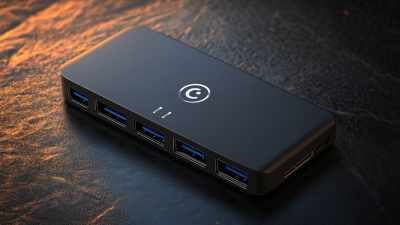
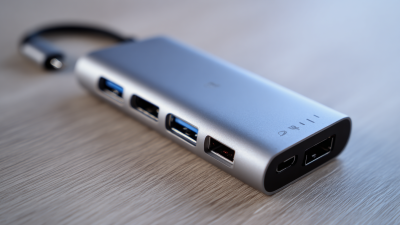
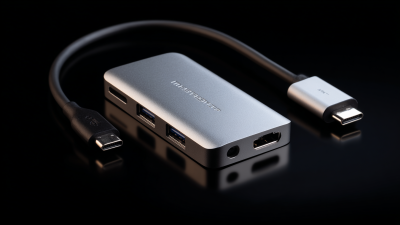
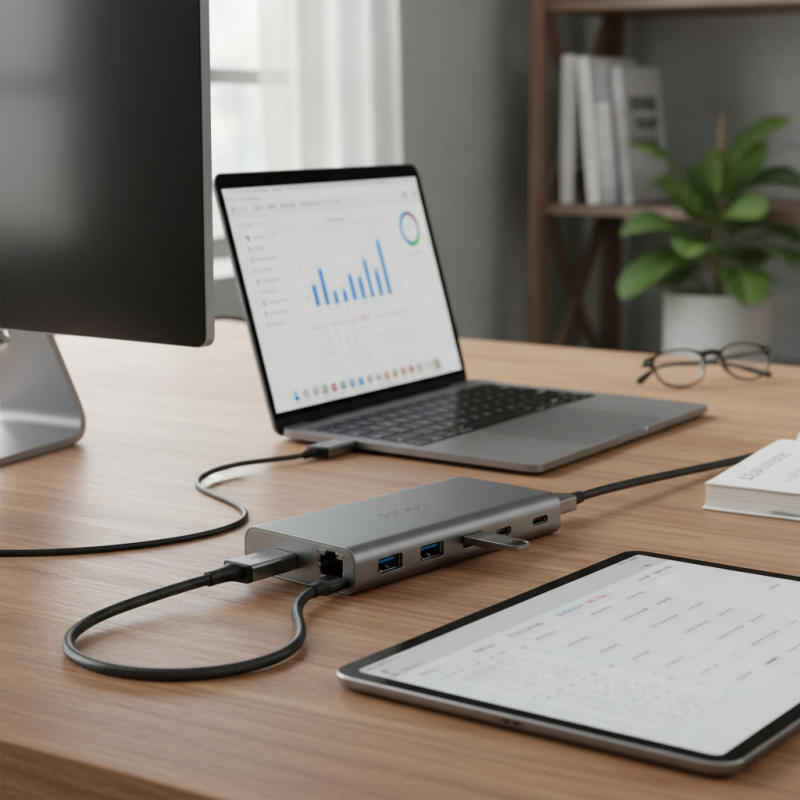
A USB-C multi-port hub is an essential device for modern users. It expands connectivity options for laptops and tablets, especially those with limited ports. These hubs typically include various connections: USB-A, HDMI, Ethernet, and SD card readers. With one USB-C port, you can connect multiple devices simultaneously.
Understanding how it works is crucial. The hub connects to a device via a USB-C cable. Once connected, the hub acts as a bridge, allowing data transfer and charging. This versatility enhances productivity. You can easily connect your laptop to an external monitor or transfer files from an SD card. However, not all hubs support every feature. Users may face issues if incompatible devices are connected.
While USB-C hubs offer great flexibility, choosing the right one requires careful consideration. Look for hubs that meet your device's requirements. Users often overlook power delivery capabilities. It's frustrating when a hub can't charge your device efficiently. Reading reviews and specifications helps ensure you make an informed choice.
USB-C Multi-Port Hub Performance Comparison
This chart compares the performance metrics of three different USB-C multi-port hubs. It highlights data transfer speeds, charging power, and the number of ports, illustrating the variations in capability among various models.
Key Features of USB-C Multi-Port Hubs
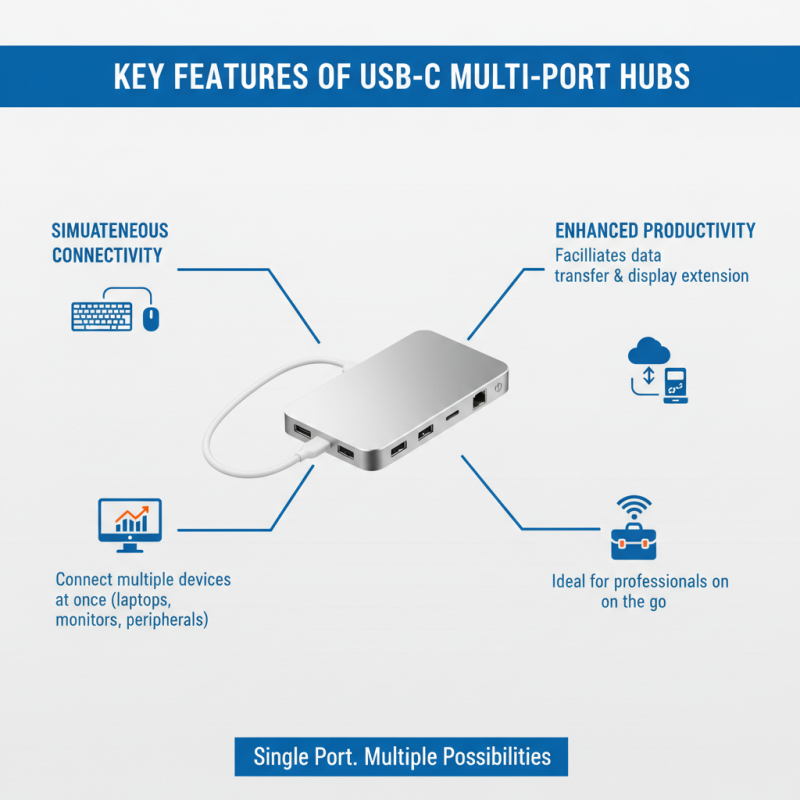
USB-C multi-port hubs have become essential in modern connectivity. They offer a range of features that enhance device usability. One standout feature is the ability to connect multiple devices simultaneously. Users can link laptops, monitors, and peripherals all through a single USB-C port. This makes tasks like transferring data or extending displays easier, especially for professionals on the go.
The design of these hubs is another key aspect. Many feature lightweight, compact designs, making them portable and easy to carry. This is a significant advantage for people who travel frequently. A typical hub might include HDMI ports for video output, USB-A ports for older devices, and SD card readers. Some hubs even come equipped with Ethernet ports, ensuring a reliable internet connection.
Not every hub is created equal. Users should consider compatibility with their devices. Certain hubs might not support all functions across different brands. Furthermore, heat management is a common concern. Poor-quality hubs can overheat, potentially damaging connected devices. It’s crucial to research and select a hub that has good reviews and a reputation for reliability. The right hub can significantly enhance productivity, but choosing wisely is essential.
How USB-C Multi-Port Hubs Enhance Connectivity
USB-C multi-port hubs have become essential tools for enhancing connectivity in today's technology-driven world. These devices often offer various ports, such as HDMI, USB-A, and Ethernet, making them versatile. According to recent market research, the demand for these hubs is projected to grow by over 15% annually through 2025. This trend reflects the increasing need for seamless connections among devices.
One of the significant advantages of USB-C multi-port hubs is their ability to connect multiple devices simultaneously. For example, users can connect a monitor while also charging a laptop and transferring data from external drives. This capability streamlines workflows. Additionally, with more than 50% of consumers reporting a frustrating experience with limited ports on laptops, these hubs provide a practical solution. However, not every hub delivers the same performance. Issues with compatibility, speed variations, and power delivery can arise, causing frustration among users.
Moreover, security can be a concern when using public hubs. Unsecured connections may expose sensitive data to potential threats. Some users have reported vulnerability to malware attacks through poorly designed hubs. It is crucial to check reviews and opt for reputable products that provide adequate safeguards against these risks. This reflection is vital as the increasing reliance on technology demands more reliable solutions.
Understanding the Technology Behind USB-C Hubs
USB-C multi-port hubs have become essential for modern connectivity. They can transform a single USB-C port into multiple connections. This transformation allows users to connect various devices. This includes HDMI for display, USB-A for traditional peripherals, and Ethernet for stable internet. Each port serves a specific purpose. However, not all hubs perform equally.
The technology behind USB-C hubs is fascinating. USB-C supports data transfer, power delivery, and video output. These features come together in a single cable, reducing clutter. Inside the hub, there are integrated circuits managing data flow and power distribution. It’s complex yet efficient. But compatibility issues can arise with certain devices. Sometimes, users experience limitations in functionality. This unpredictability can be frustrating.
Choosing a high-quality hub is crucial. There's a balance between price and performance. Lesser-known brands may offer lower prices but could compromise on reliability. Users should check the specifications before purchasing. Researching compatibility with existing devices is essential too. Each hub's design and technology impact its effectiveness. Understanding these technical details can lead to better choices.
Common Use Cases for USB-C Multi-Port Hubs
USB-C multi-port hubs have become essential tools for many users today. With the rise of remote work and mobile devices, these hubs facilitate connectivity. Research from the International Data Corporation indicates that global shipments of USB-C devices have increased by 50% in the last year alone. This trend shows a growing reliance on versatile connection solutions.
Common use cases for USB-C multi-port hubs are diverse. For professionals, they enable seamless connections for laptops to monitors, projectors, and multiple peripherals. In creative fields, artists rely on them for faster data transfers from cameras and external drives. Students benefit the most with compact hubs that allow charging while connecting to displays, enhancing digital learning experiences.
Despite their advantages, users often face challenges. Some hubs may not support specific devices or functions. It's essential to verify compatibility before purchasing. Additionally, the multitude of options can overwhelm consumers, leading to suboptimal choices. Reflecting on usability is important to ensure that the right hub meets one’s unique needs.

 USB C Docking & Hub
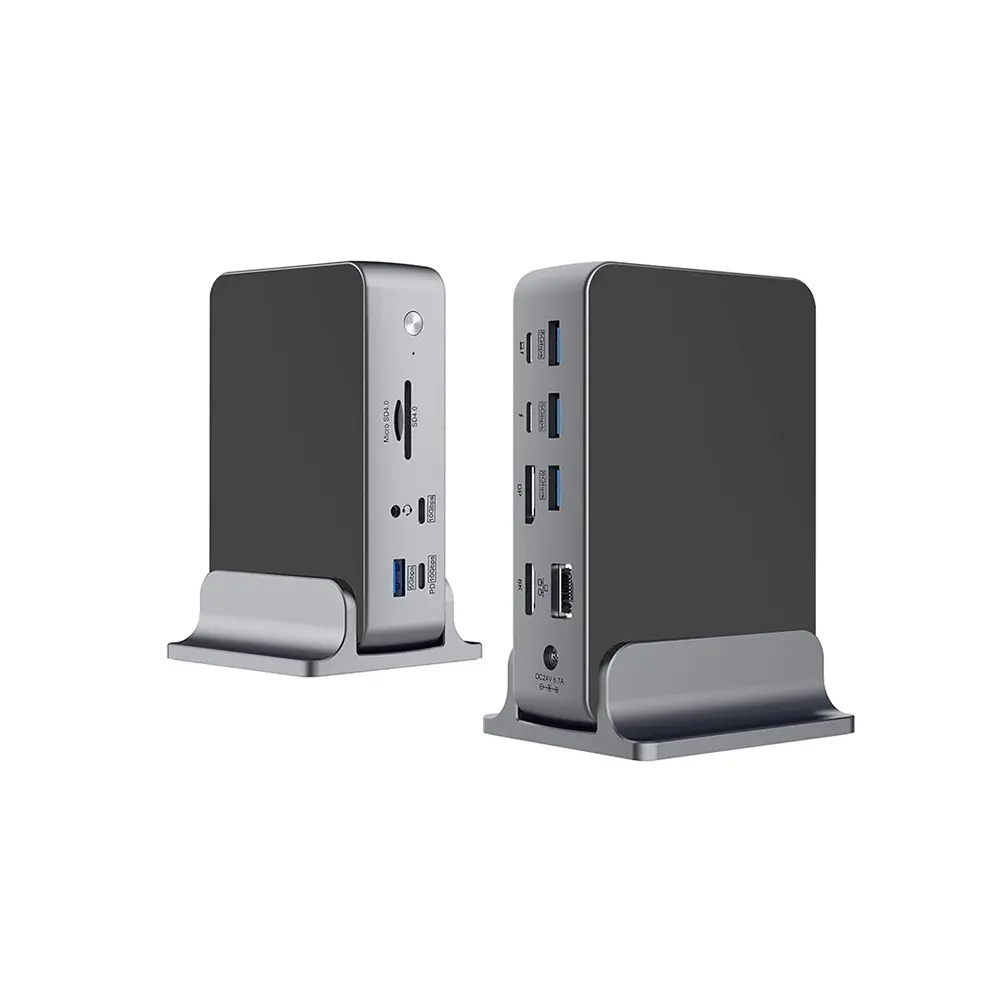 USB C Docking Station
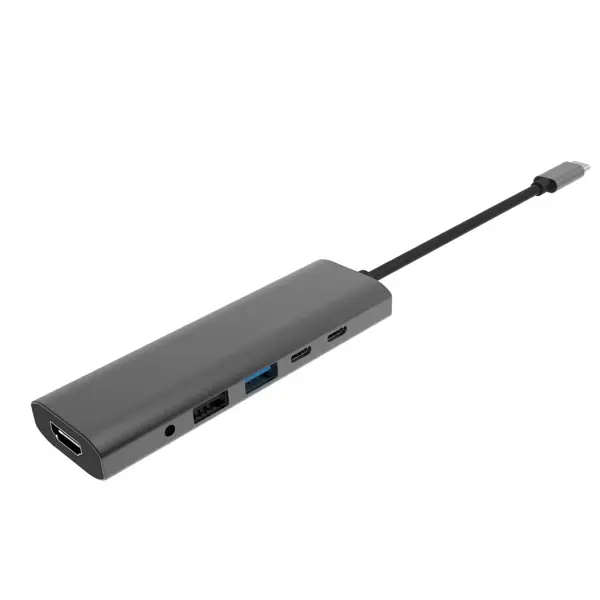 USB C Hub-H Series
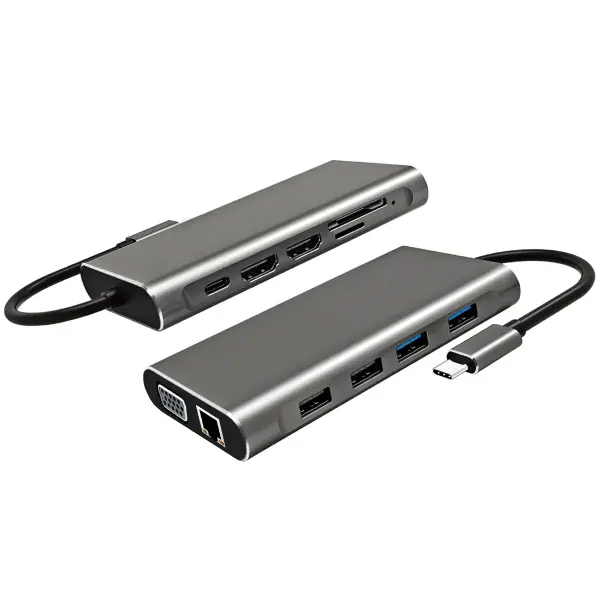 USB C Hub-H Series High End
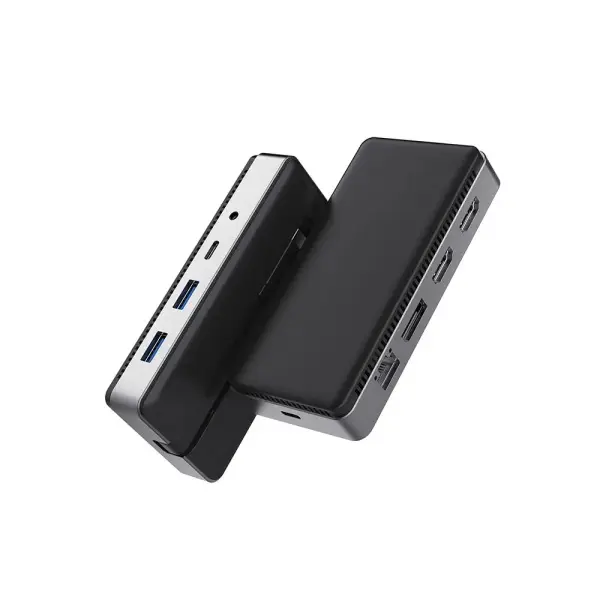 USB C Hub-X Series High End
 HDMI Cable
 4K HDMI Cable
 8K HDMI Cable
 16K HDMI Cable
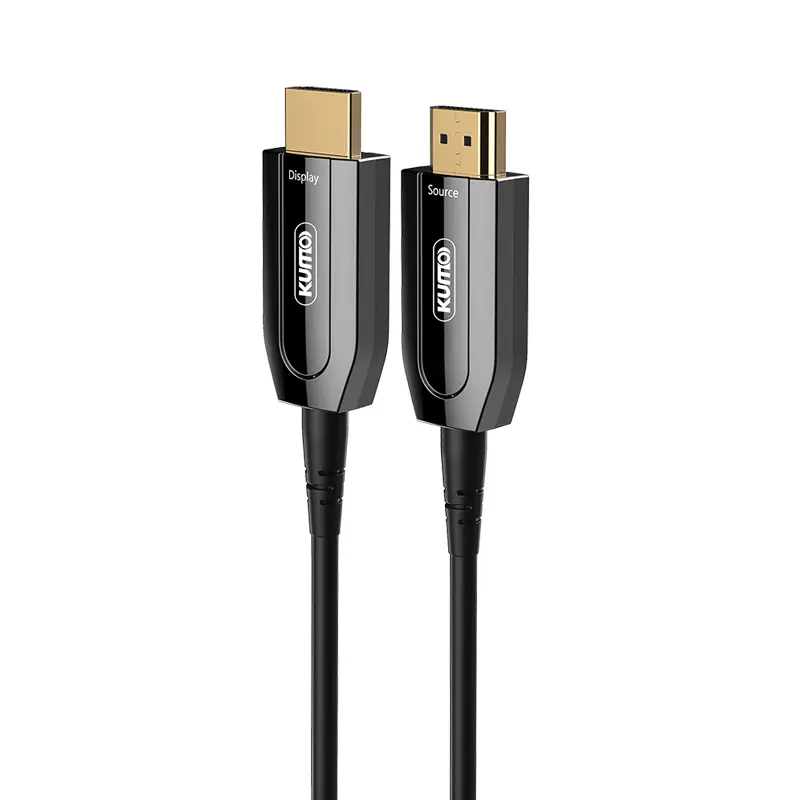 AOC HDMI Cable
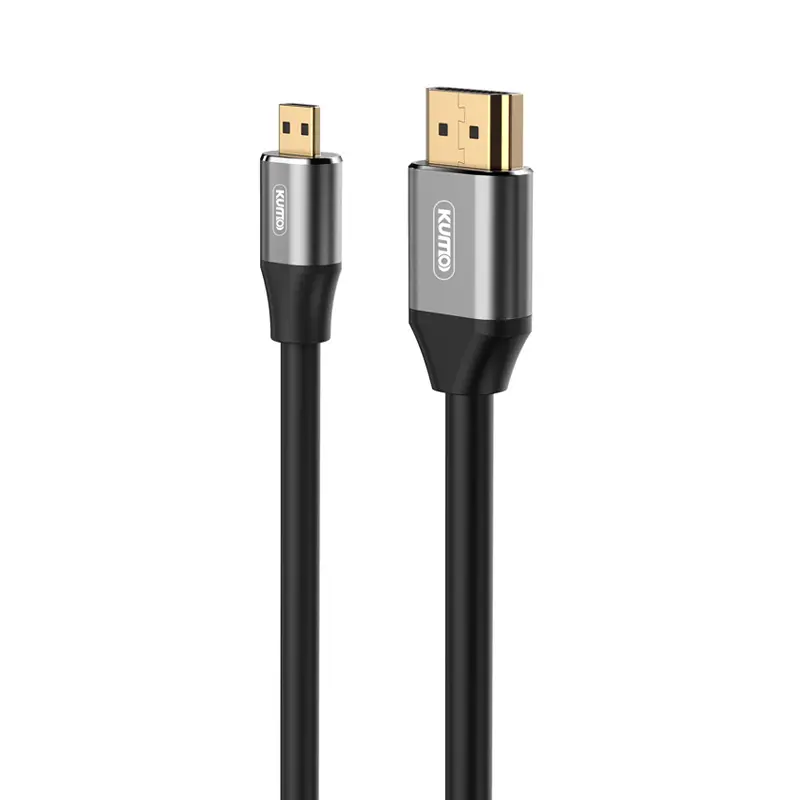 HDMI Conversion Cable
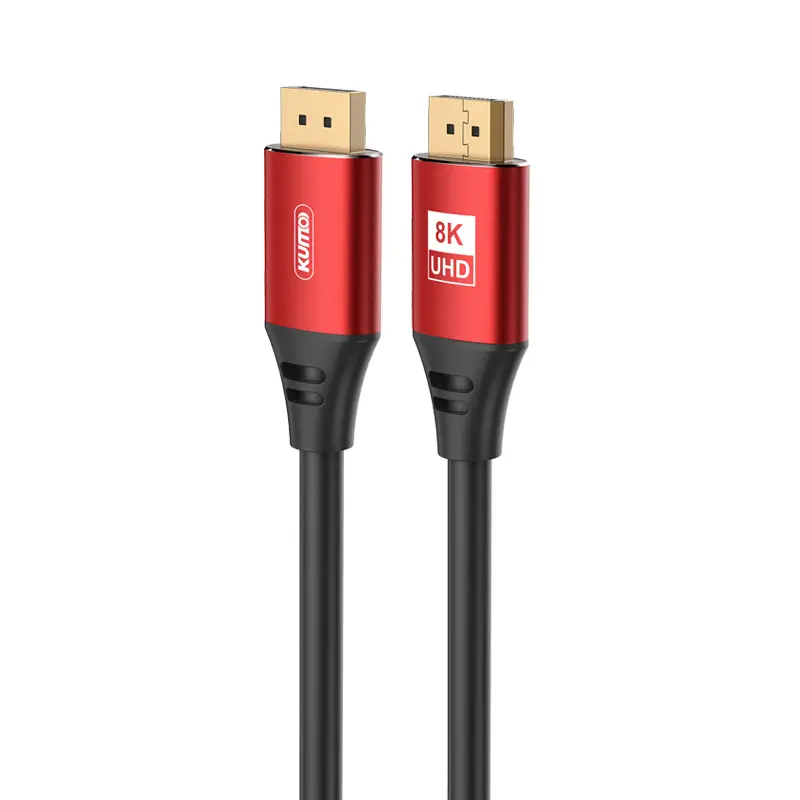 8K DisplayPort Cable
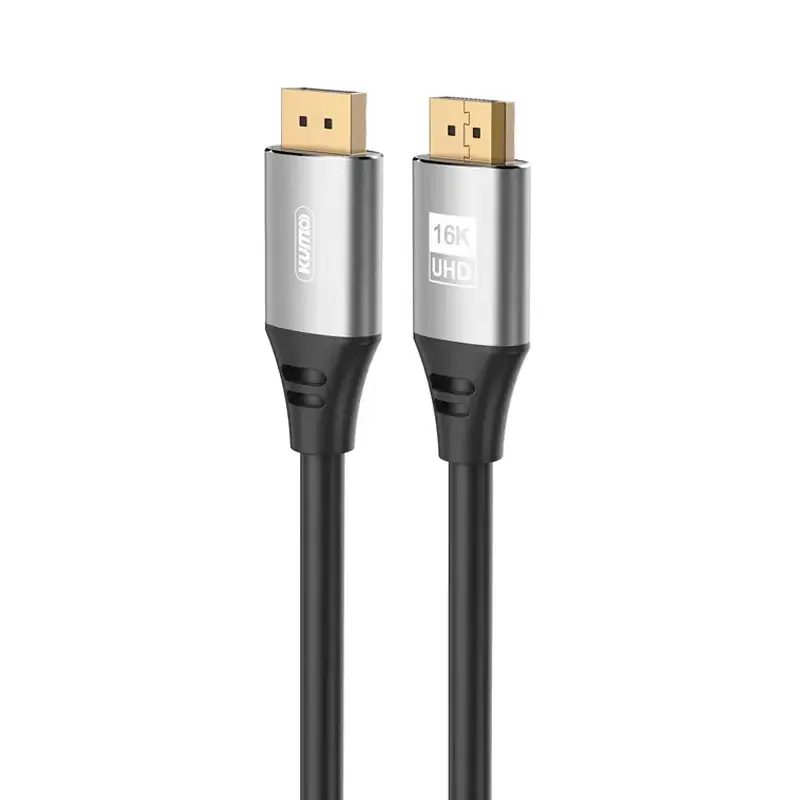 16K DisplayPort Cable
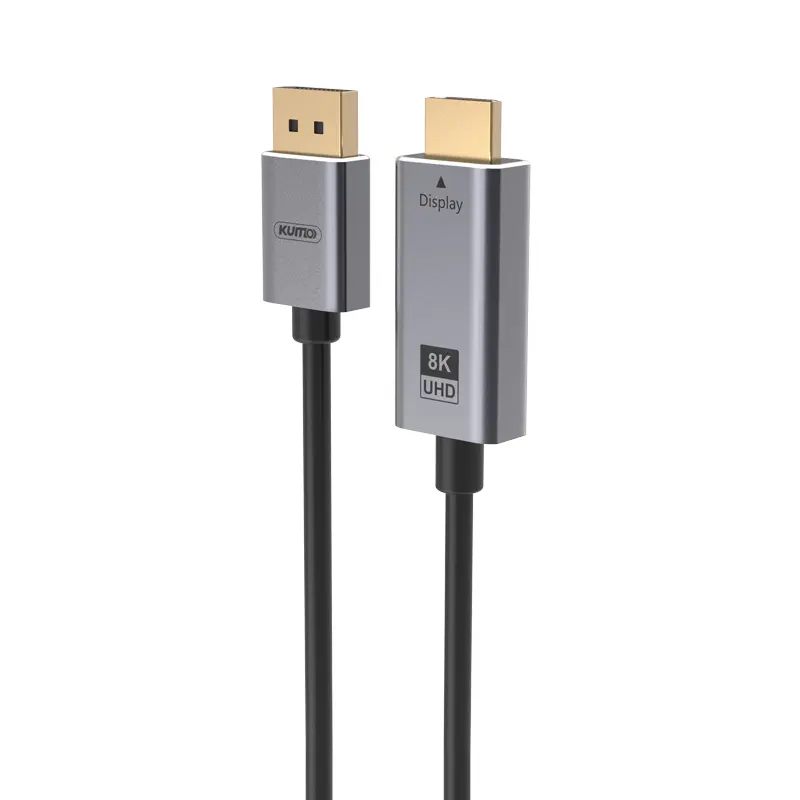 DisplayPort Conversion Cable
 XLR Cable
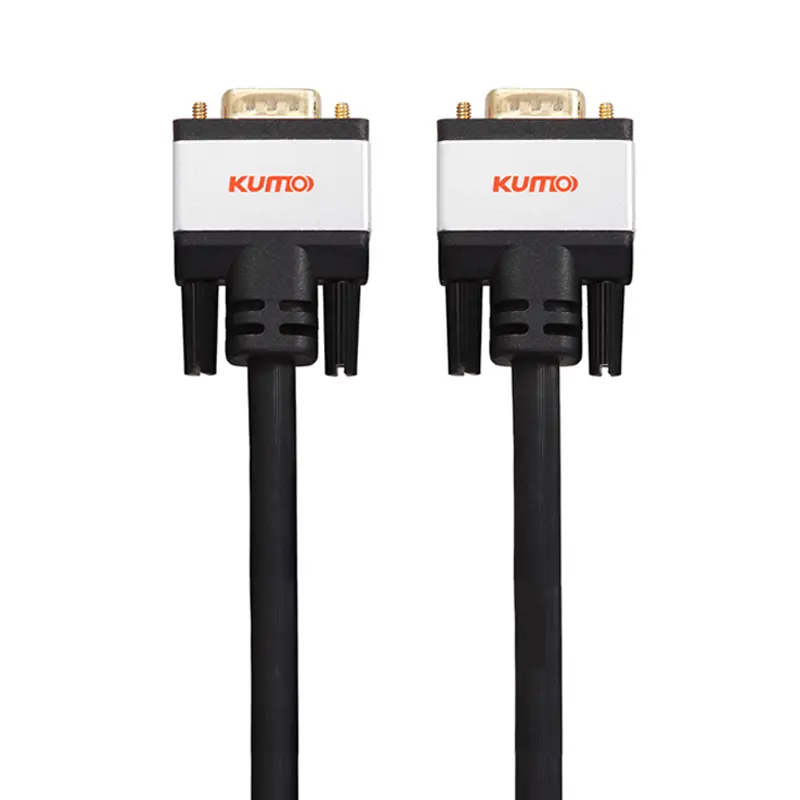 VGA Cable
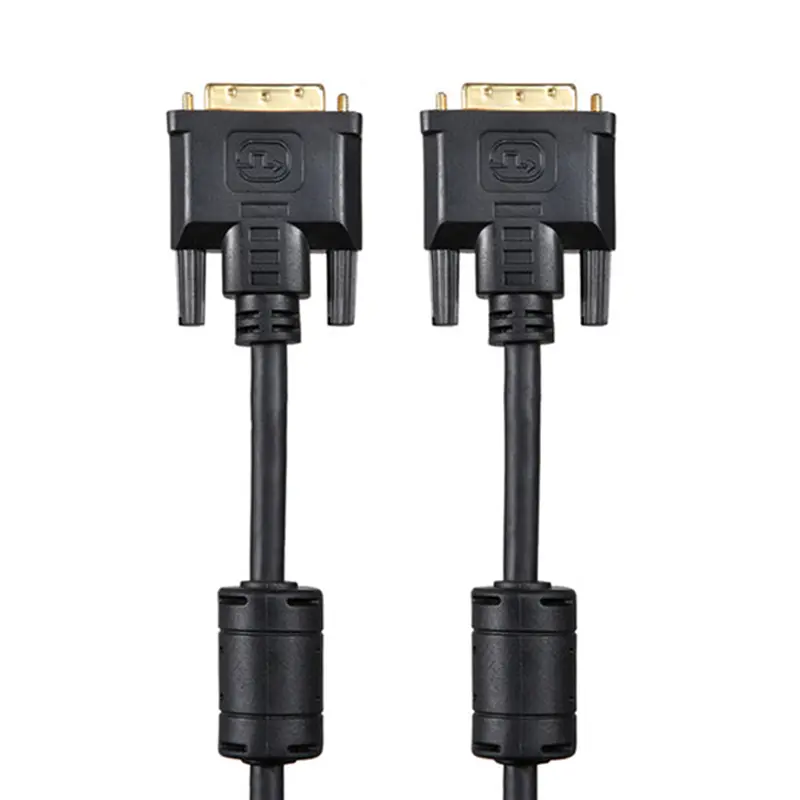 DVI Cable
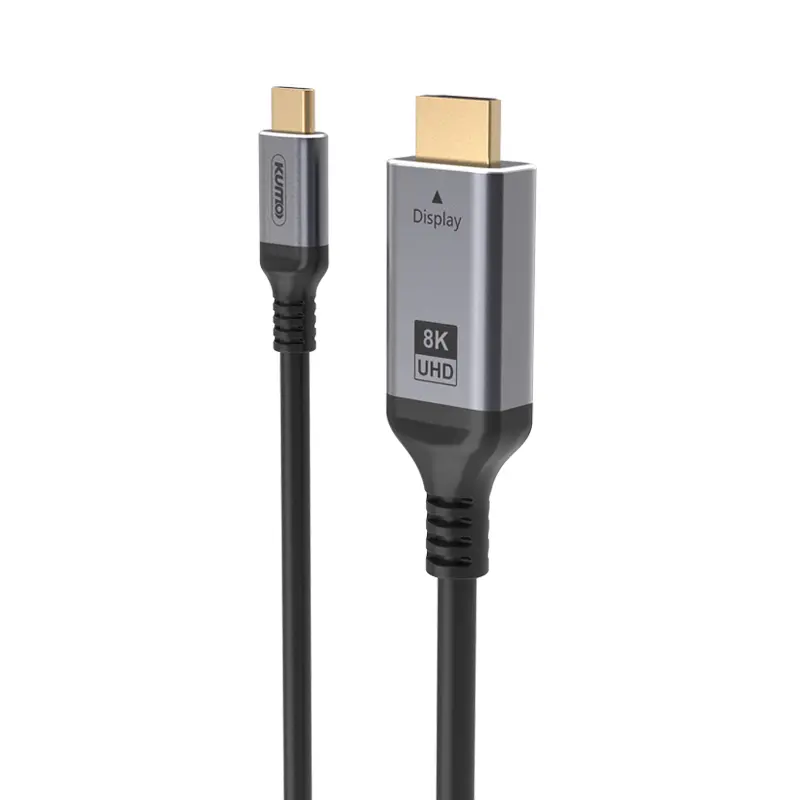 Type C To HDMI
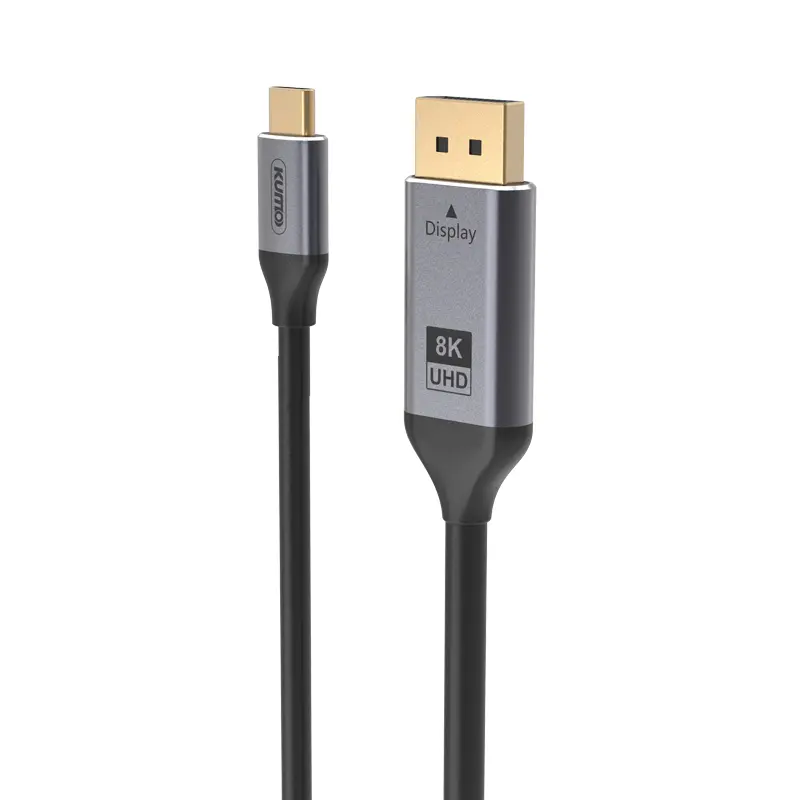 Type C to DP
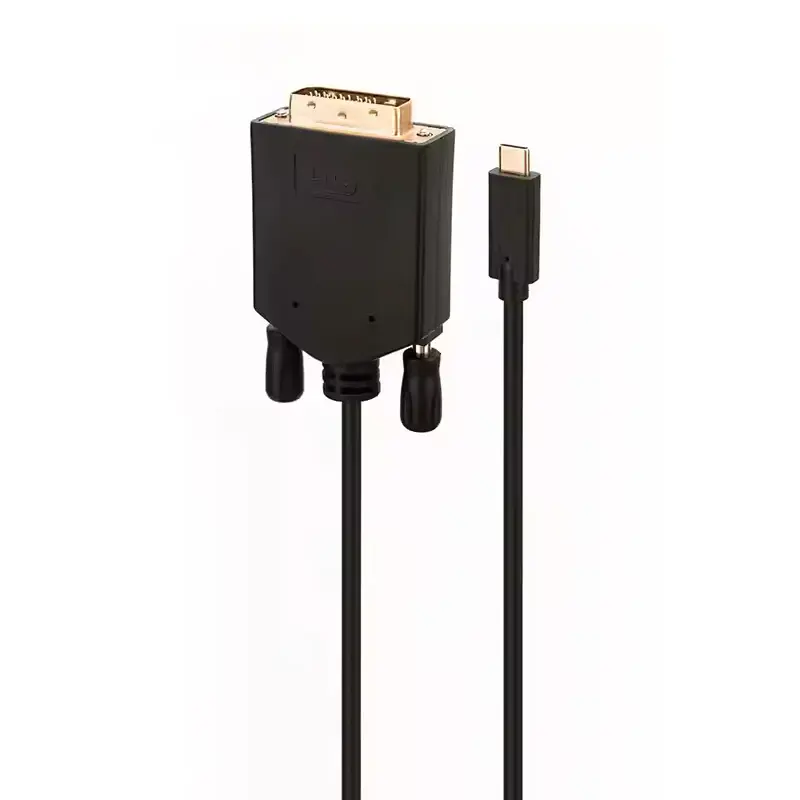 Type C to DVI
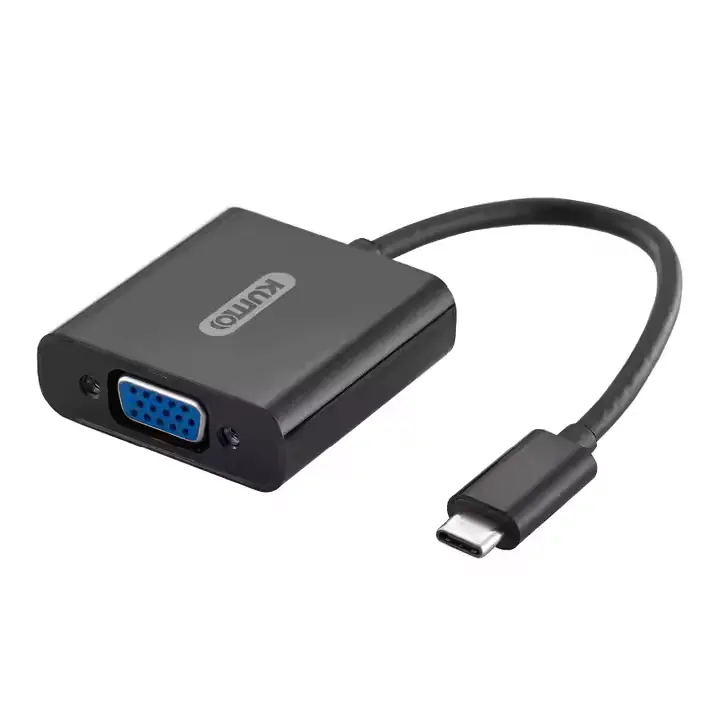 Type C Adapter
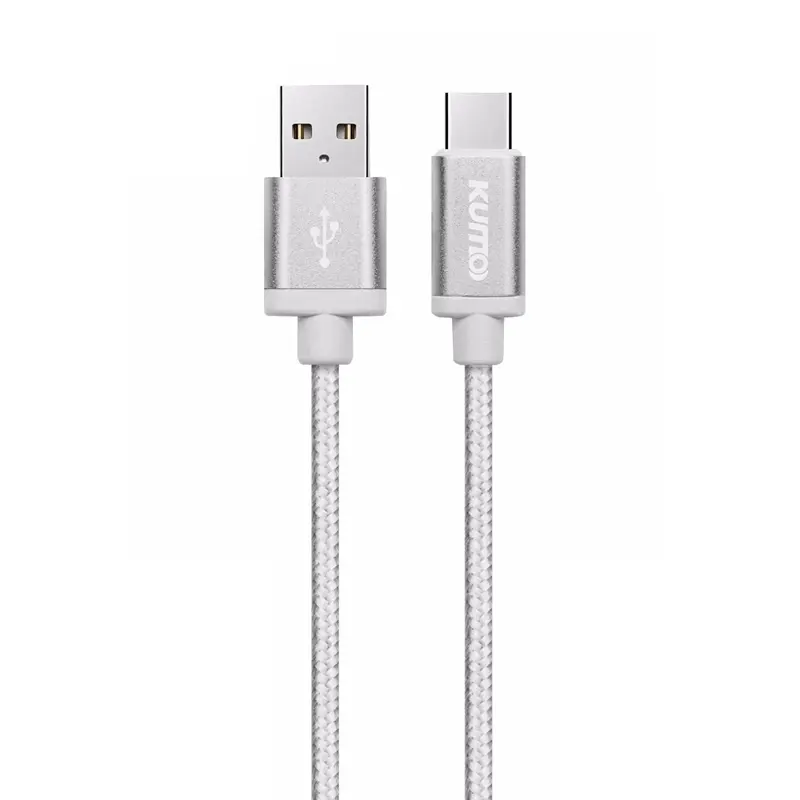 USB A to C Cable
 USB C to C Cable
 Micro USB Cable
 USB4 Cable