Top 10 Tips for Choosing the Best Docking Station USB C Adapter for Your Needs
In today's fast-paced technological landscape, having the right accessories to enhance productivity is crucial. A high-quality Docking Station USB C Adapter can significantly streamline your device connectivity, allowing you to integrate multiple peripherals effortlessly. Whether you're a professional working from home, a student needing to connect various devices, or simply someone who enjoys a seamless tech experience, choosing the best adapter tailored to your specific needs is essential.
When selecting a Docking Station USB C Adapter, it's important to consider factors such as compatibility, number of ports, data transfer speeds, and overall design. With a plethora of options available on the market, making an informed choice can often feel overwhelming. This article will guide you through the top 10 tips for selecting the ideal Docking Station USB C Adapter—ensuring you get the most out of your investments in technology and enhancing your overall computing experience. From essential features to usability aspects, these tips will empower you to navigate the myriad of choices and find the perfect docking station that meets your requirements efficiently.
Understanding the Importance of a USB C Docking Station Adapter
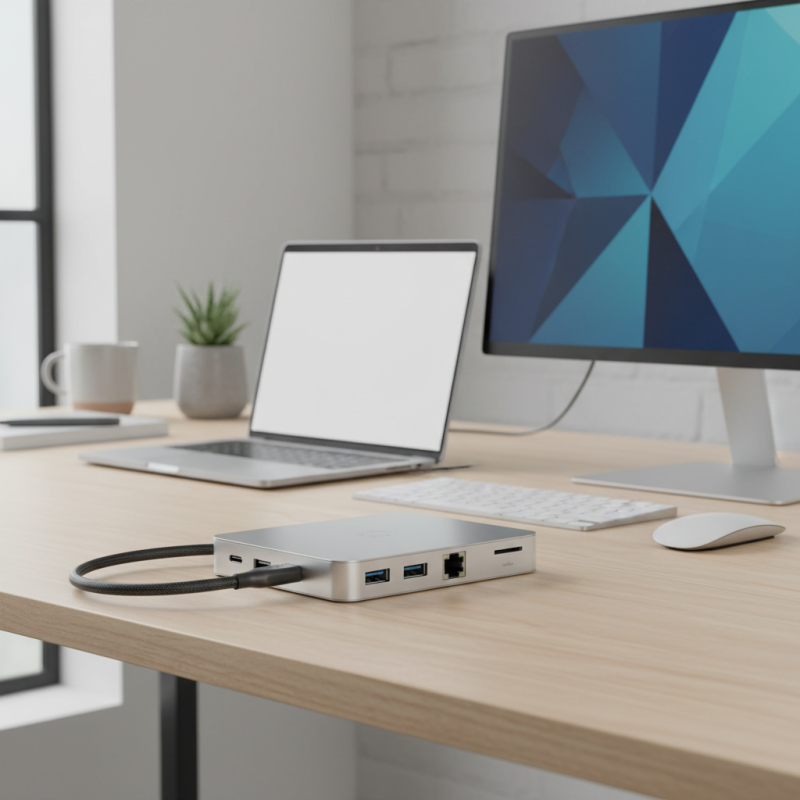
A USB C docking station adapter serves as a crucial accessory for modern laptops and devices, particularly as more manufacturers shift toward USB C technology. This adapter consolidates multiple functionalities into one compact design, allowing users to connect various peripherals such as displays, external storage, and network devices seamlessly. Understanding its importance is key, as it enhances productivity by enabling a multi-monitor setup, faster data transfer rates, and the ability to connect to legacy devices through various ports.
Moreover, a reliable USB C docking station adapter is essential for maintaining an organized workspace. With the capability to reduce cable clutter, it allows for a cleaner desk environment and simplifies the connection process. Users can easily switch between configurations depending on their tasks without having to repeatedly plug and unplug devices. Therefore, choosing the right adapter not only improves efficiency but also fosters a more enjoyable and streamlined user experience.
Key Features to Consider When Selecting a USB C Docking Station
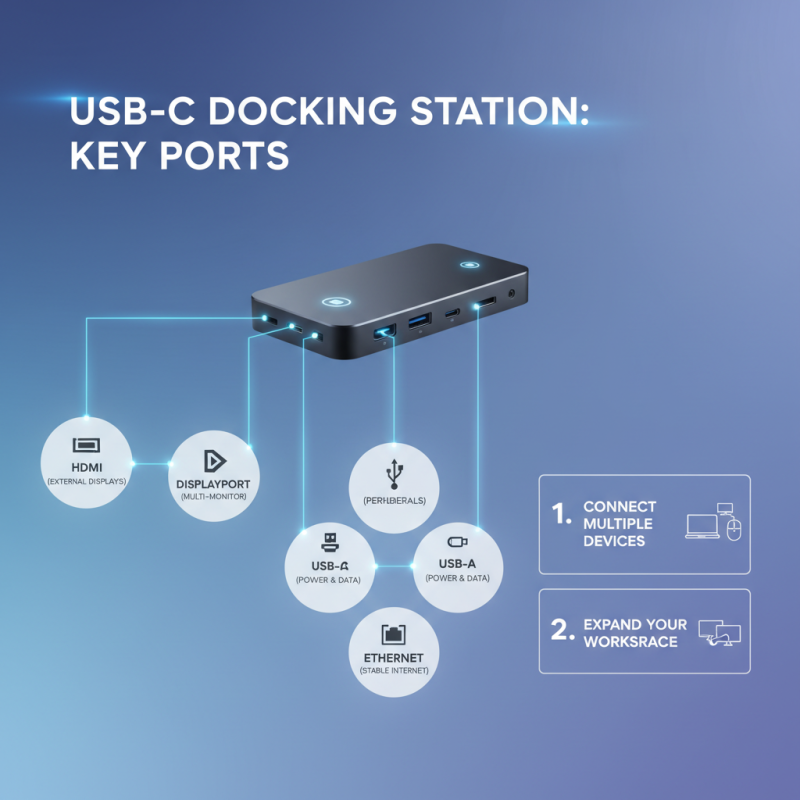
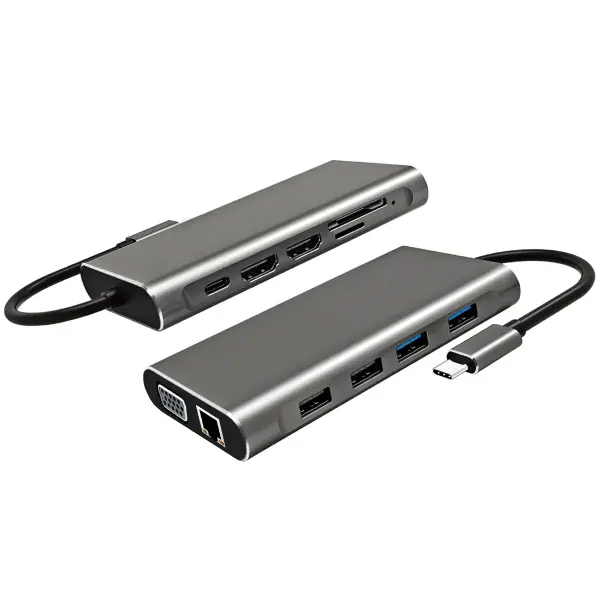
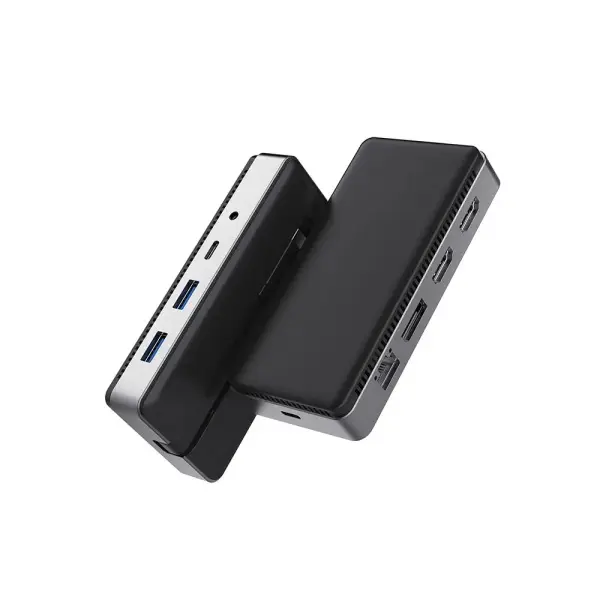
When selecting a USB-C docking station, it's essential to prioritize the key features that will best suit your needs. The first consideration should be the number and types of ports available. Most docking stations offer a combination of HDMI, DisplayPort, USB-A, USB-C, and Ethernet ports. Evaluate your devices and connectivity requirements to ensure that the docking station can accommodate multiple peripherals at once and provides options for connecting to external displays.
Another critical feature to consider is power delivery capability. A good USB-C docking station should support power delivery to charge your laptop while simultaneously connecting to peripherals. This feature not only reduces cable clutter but also keeps your devices powered throughout the day. Additionally, look at the supported resolutions and refresh rates for video output, especially if you plan to connect to high-resolution monitors for tasks like graphic design or gaming. Ensuring compatibility with your devices will enhance performance and productivity.
Evaluating Compatibility with Your Device and Operating System
When selecting a USB-C docking station, the first step is to evaluate its compatibility with your device and operating system. Different devices may have varying ports and functionalities, so it’s crucial to check what type of USB-C port your laptop or tablet has and what protocols it supports. Some devices might only support data transfer, while others can handle video output and charging. Look for specified compatibility to ensure it meets your technical needs without any operational hiccups.
One important tip is to research whether the docking station supports the necessary video outputs for your setup. Some devices may require HDMI, DisplayPort, or VGA connections for external monitors. Additionally, if you plan to connect multiple peripherals, ensure the docking station can handle them effectively without a significant drop in performance. It's also wise to ensure that your operating system is supported, as some adapters might not function optimally across different platforms like Windows, macOS, or Linux.
Lastly, consider the power delivery capabilities of the docking station. This feature allows you to charge your device while using the docking station, which is particularly beneficial for users with power-hungry laptops. It's essential to verify the wattage output to make sure it can provide adequate power to your device, especially during resource-intensive tasks. By carefully assessing these compatibility factors, you can choose a USB-C docking station that seamlessly integrates with your tech ecosystem.
Assessing the Necessary Ports and Connectivity Options
When selecting the right USB-C docking station for your needs, one of the most crucial aspects to evaluate is the range of ports and connectivity options it offers. Depending on your specific usage requirements, you might need a combination of USB-A, USB-C, HDMI, DisplayPort, Ethernet, and SD card slots. Consider what devices you plan to connect, as well as the types of peripherals that will complement your setup. For instance, if you’re a creative professional, having multiple display outputs might be essential for your workflow, while gamers may prioritize high-refresh-rate HDMI ports.
Another vital consideration is the speed and power delivery of the ports. Look for devices that support USB 3.0 or higher for faster data transfer and ensure that the docking station can provide sufficient power to charge your laptop and other connected devices simultaneously. Assess whether you require additional features like audio output or compatibility with external monitors, as these can significantly enhance your overall user experience. By understanding your specific connectivity needs, you can choose a docking station that not only meets your current requirements but also provides flexibility for future expansions.
Top 10 Tips for Choosing the Best Docking Station USB C Adapter for Your Needs - Assessing the Necessary Ports and Connectivity Options
| Tip # |
Port Type |
Connectivity Options |
Use Case |
Recommended Adapter Features |
| 1 |
USB-C |
Data transfer, Power delivery |
For charging laptops |
100W Power Delivery |
| 2 |
HDMI |
4K video output |
For external monitors |
Support for 4K@60Hz |
| 3 |
USB-A |
Peripheral connectivity |
For USB devices |
Multiple USB 3.0 ports |
| 4 |
Ethernet |
Wired internet access |
For stable network connection |
Gigabit Ethernet |
| 5 |
DisplayPort |
High-resolution display |
For dual monitor setup |
Multi-Stream Transport (MST) |
| 6 |
Audio Jack |
Headphone and microphone |
For sound output and input |
3.5mm audio port |
| 7 |
SD Card Reader |
Read/write data to SD cards |
For photographers |
Support for multiple formats |
| 8 |
VGA |
Older display hardware |
For legacy projector connections |
Support for 1080p |
| 9 |
Power Adapter |
Power the docking station |
All-in-one power solution |
Compact charger |
| 10 |
Additional Ports |
Custom additional ports |
Personalized needs |
Versatility in connectivity |
Budgeting for Your USB C Docking Station Options
When considering the purchase of a USB C docking station, budgeting plays a crucial role in ensuring you find a device that meets your needs without compromising quality. Start by establishing a clear budget range based on your usage requirements. If you’re a casual user who needs basic connectivity, you might opt for a lower-priced model that offers essential features. Conversely, if you require multiple ports or higher data transfer speeds, it may be worth investing more for a robust solution that will last longer and provide enhanced performance.
Additionally, it's essential to factor in the long-term value of the docking station. While it may be tempting to choose the cheapest option available, consider how often you'll be using the device and what features you truly need. Higher-quality docking stations can save money in the long run by reducing the likelihood of needing replacements and providing better support for upgrades as your tech evolves. Keep an eye out for sales or discounts that can make quality options more accessible within your budget, ensuring you get the most bang for your buck without sacrificing essential features.
Top 10 USB-C Docking Station Features Comparison
This chart compares various features commonly found in USB-C docking stations. The data represents the percentage of docking stations that include these features based on recent market research.

 USB C Docking & Hub
 USB C Docking Station
 USB C Hub-H Series
 USB C Hub-H Series High End
 USB C Hub-X Series High End
 HDMI Cable
 4K HDMI Cable
 8K HDMI Cable
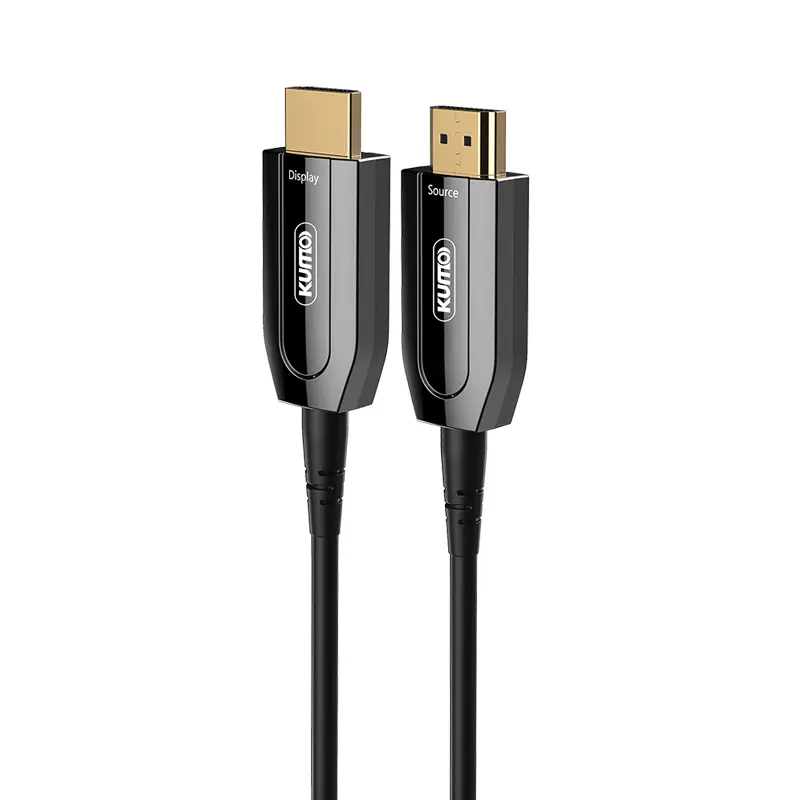 AOC HDMI Cable
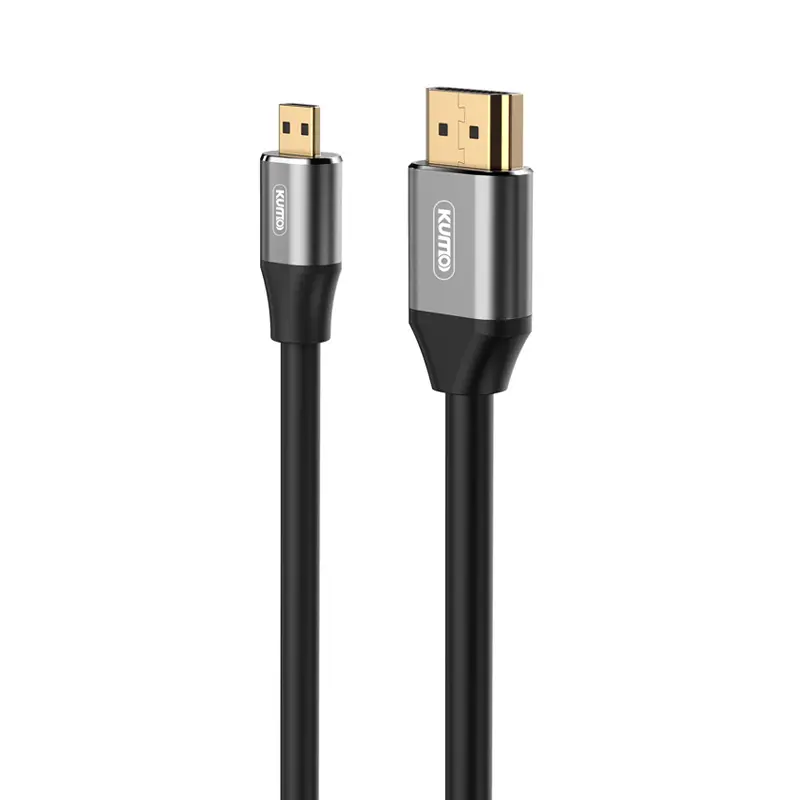 HDMI Conversion Cable
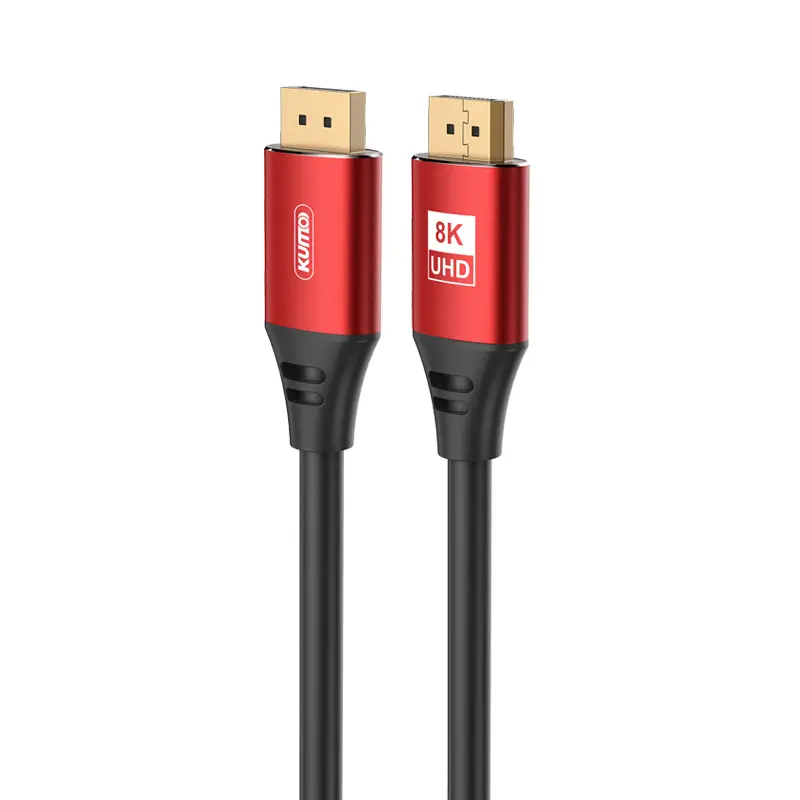 8K DisplayPort Cable
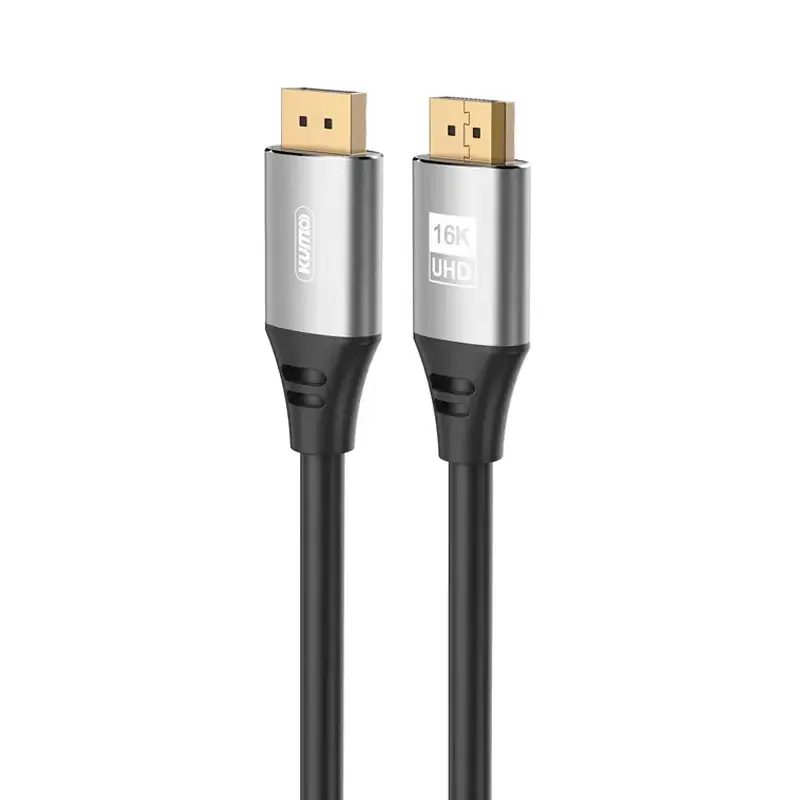 16K DisplayPort Cable
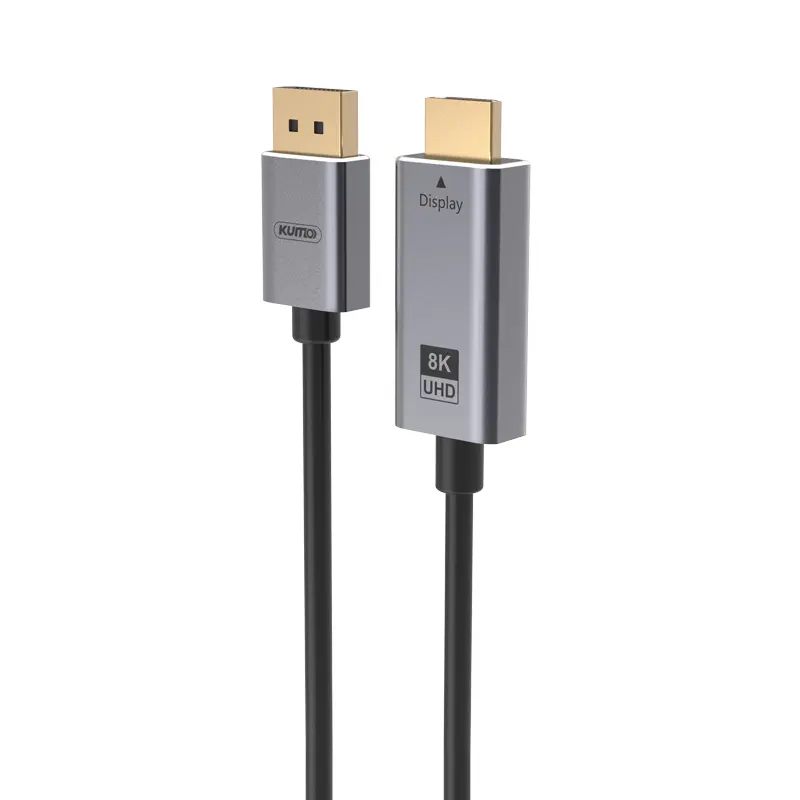 DisplayPort Conversion Cable
 XLR Cable
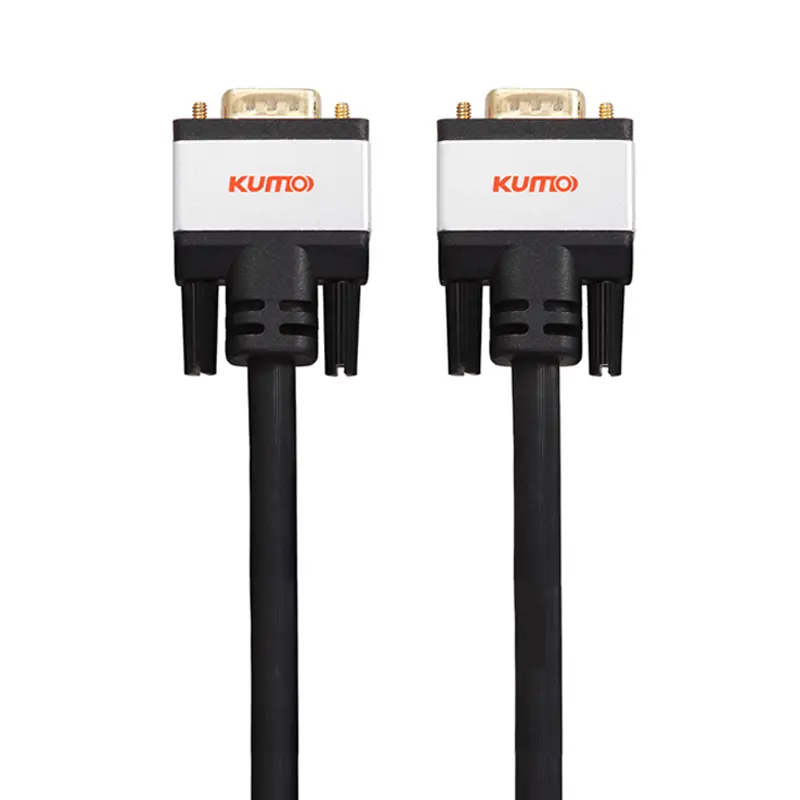 VGA Cable
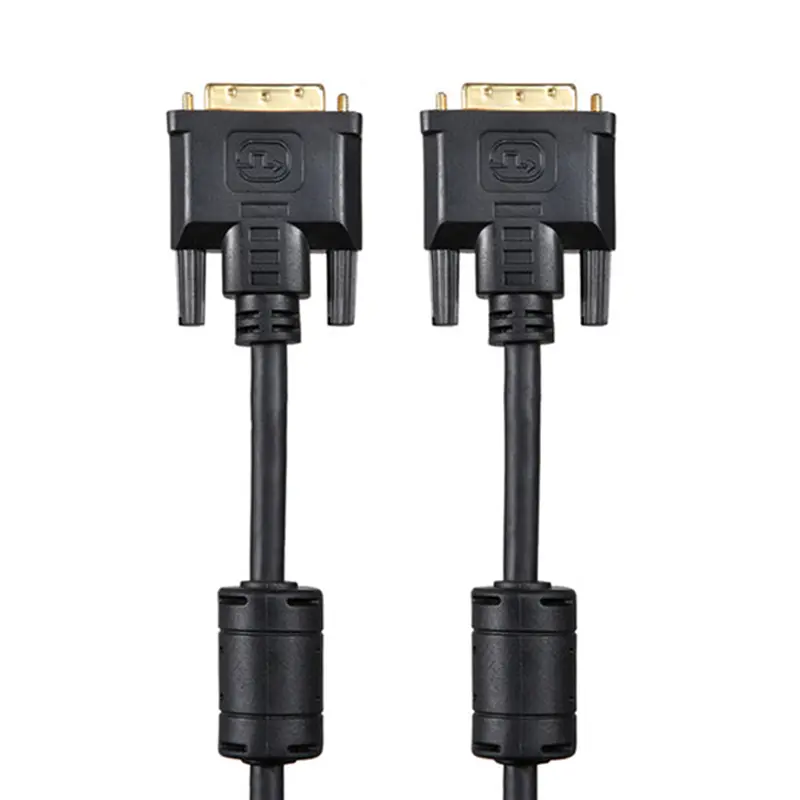 DVI Cable
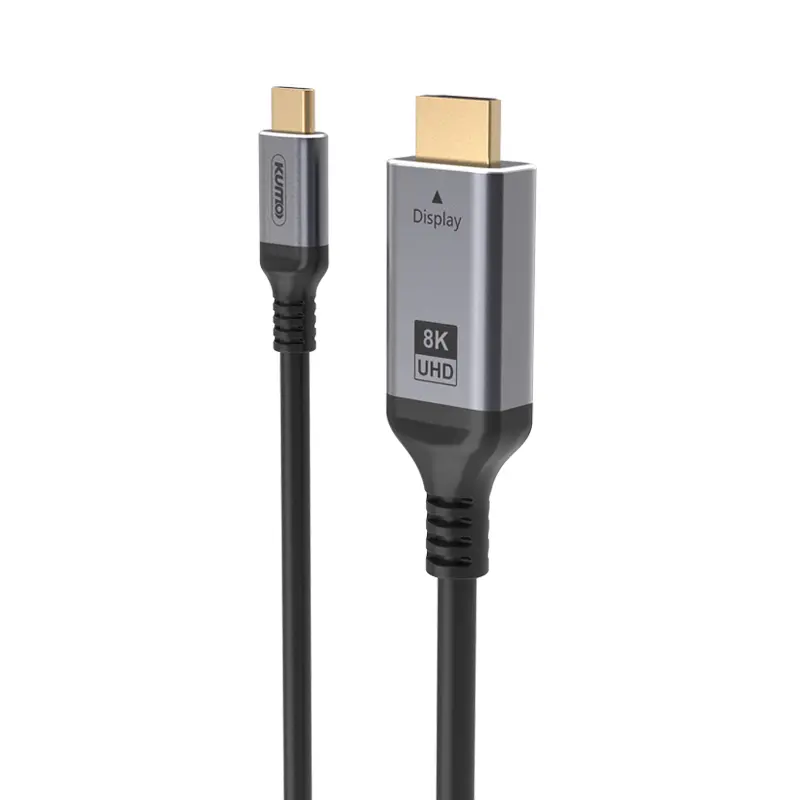 Type C To HDMI
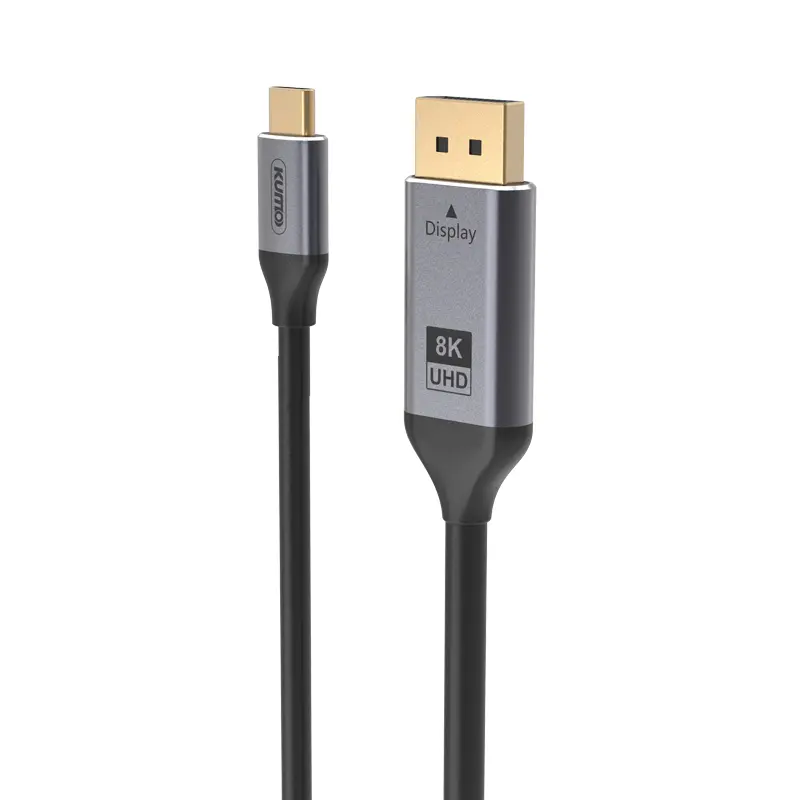 Type C to DP
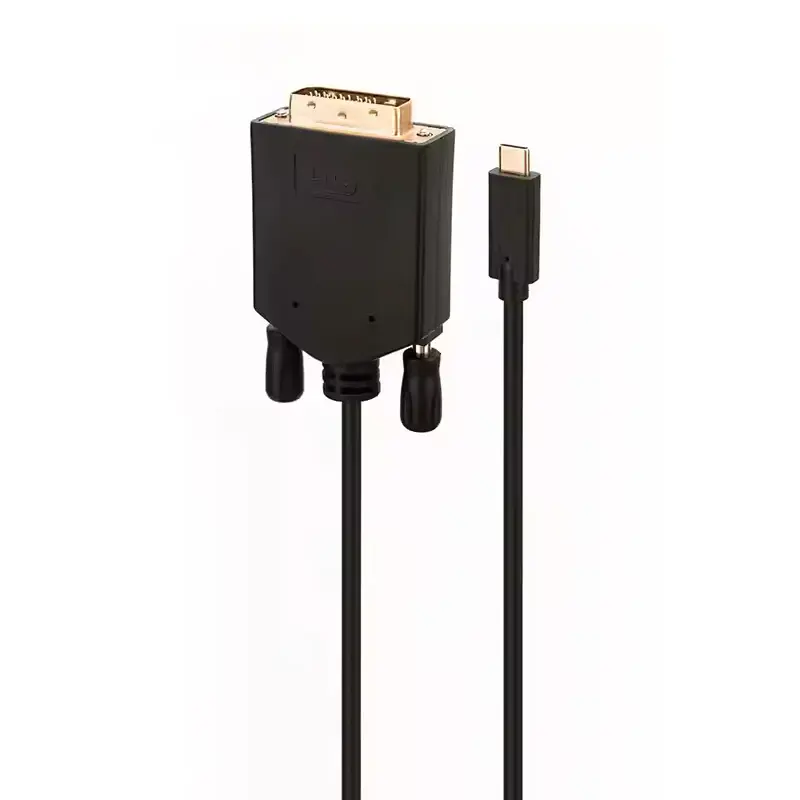 Type C to DVI
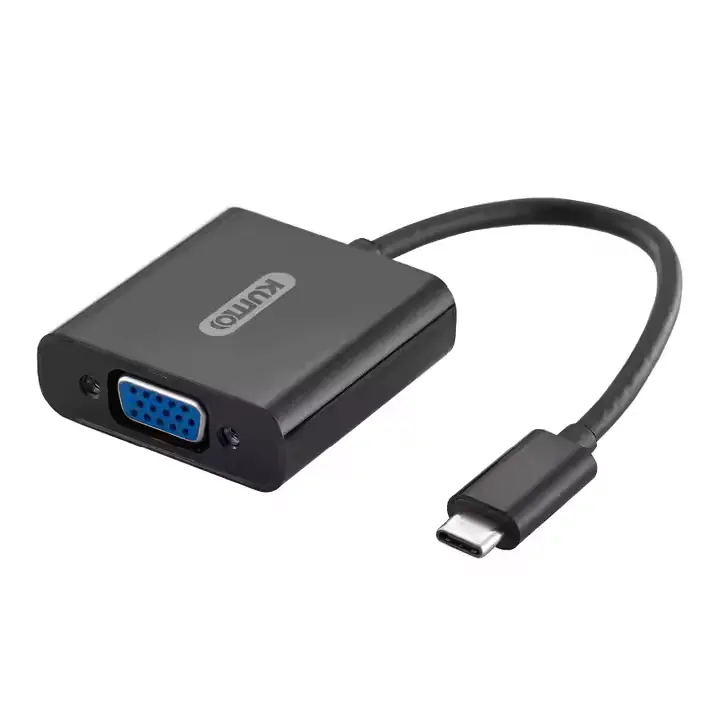 Type C Adapter
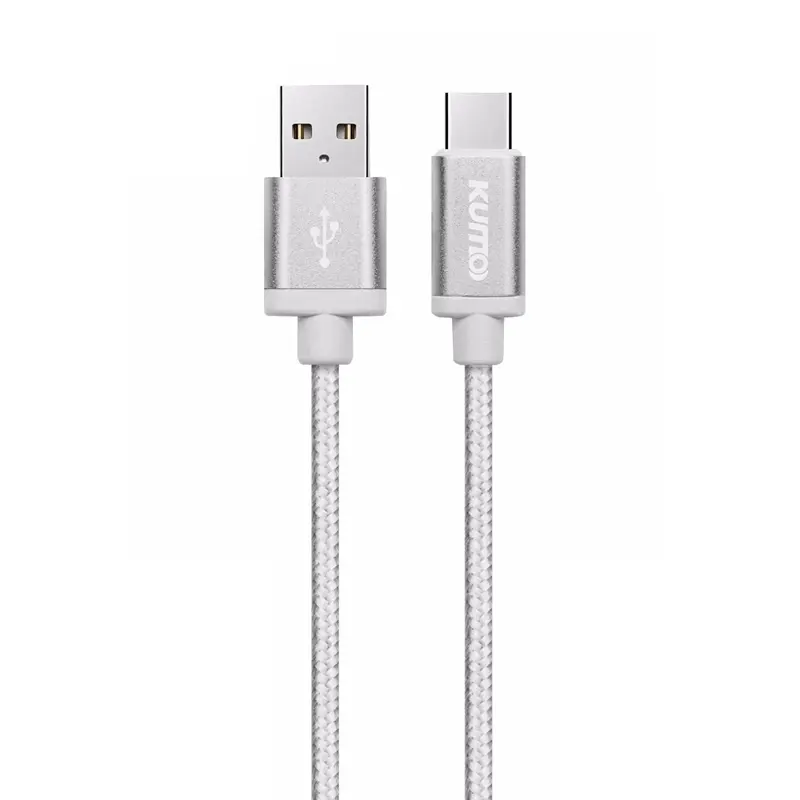 USB A to C Cable
 USB C to C Cable
 Micro USB Cable
 USB4 Cable